Please include UUID property in set tags for tokens #306

Description

Recently I discovered that the Cockatrice Client could not distinguish between different printings of tokens via its Printing Selector.
It was quickly discovered that this was because the tokens.xml does not have a 'uuid' property in the 'set' tag in which the image link for a given set printing is kept.
for example, from the token.xml file, we have these two lines in the 'Feather' token card block:
<set picURL="https://cards.scryfall.io/large/front/e/4/e401e2a8-d0a3-4517-ba20-449a1fff7f85.jpg?1682211019" >MOC</set>
<set picURL="https://cards.scryfall.io/large/front/a/9/a9cc7c63-5d13-4fd6-af9d-4a26c2bab8e6.jpg?1591225596" >IKO</set>
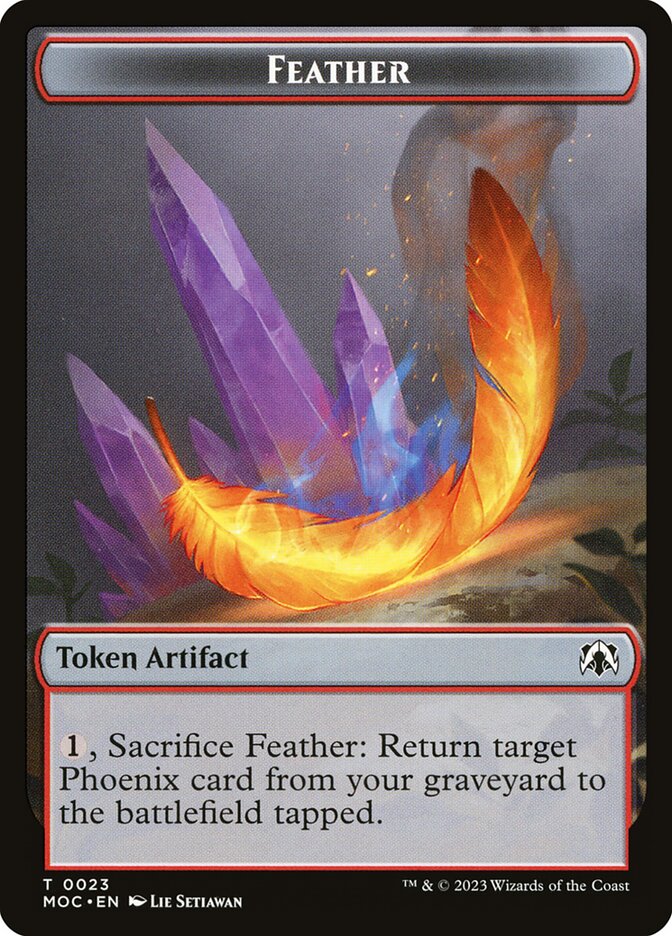
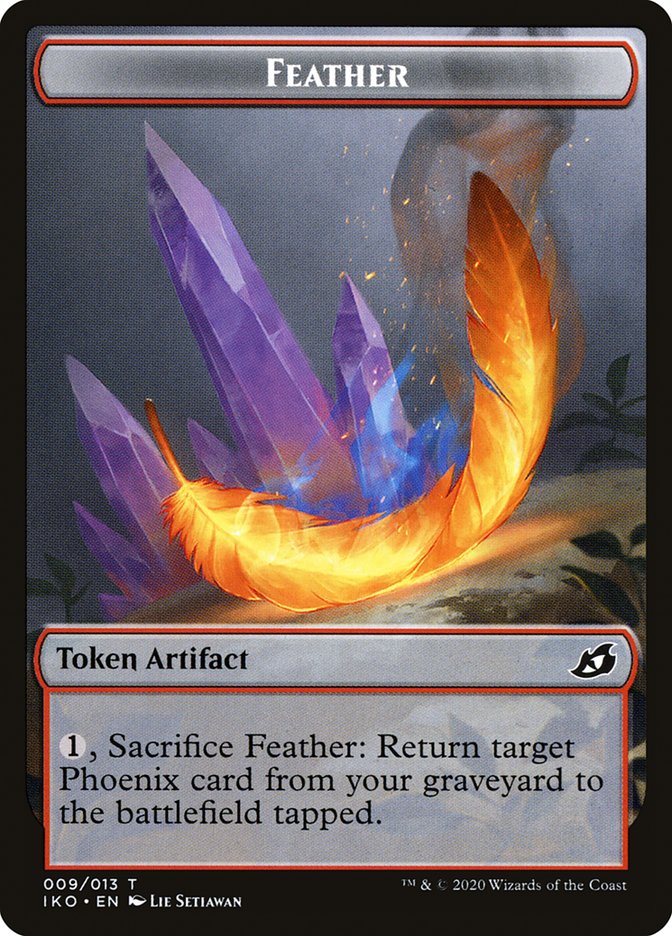
If we were to alter those card blocks as follows:
<set uuid="e401e2a8-d0a3-4517-ba20-449a1fff7f85" picURL="https://cards.scryfall.io/large/front/e/4/e401e2a8-d0a3-4517-ba20-449a1fff7f85.jpg?1682211019" >MOC</set>
<set uuid="a9cc7c63-5d13-4fd6-af9d-4a26c2bab8e6" picURL="https://cards.scryfall.io/large/front/a/9/a9cc7c63-5d13-4fd6-af9d-4a26c2bab8e6.jpg?1591225596" >IKO</set>
Then Cockatrice would be able to 'consume' that uuid data directly and be able to display per-printing token card images.
Since mtgjson does provide scryfall token uuids, it should be fairly straightforward to include this property, where it is available, in the tokenx.xml.
Obviously this only works for tokens that have printings, of course. For tokens that don't otherwise exist, it looks as though you have a special image storage that the file links to for those tokens, and thus a scryfall uuid makes no sense to include.
Fortunately, Cockatrice Client's Printing Selector already properly loads the picURL for those tokens which require a non-Scryfall image from the image storage blob without needing a uuid, since they have only one 'printing'.
As such, please update the process by which you generate the tokens.xml to place that uuid=(scryfallID) property in the 'set' tags when it exists, so that it can be used.