riffle.js is a browser book viewer for page bitmaps and PDFs. It renders a two-page spread with animated page turns, paper lighting, and optional show-through translucency.
Riffle is DOM-native and framework-agnostic: a viewer is a DOM element with a small set of methods. There is no controller object and no mounting step — you create an element, append it, and call methods on it. Nothing assumes React, Vue, Angular, or any framework.
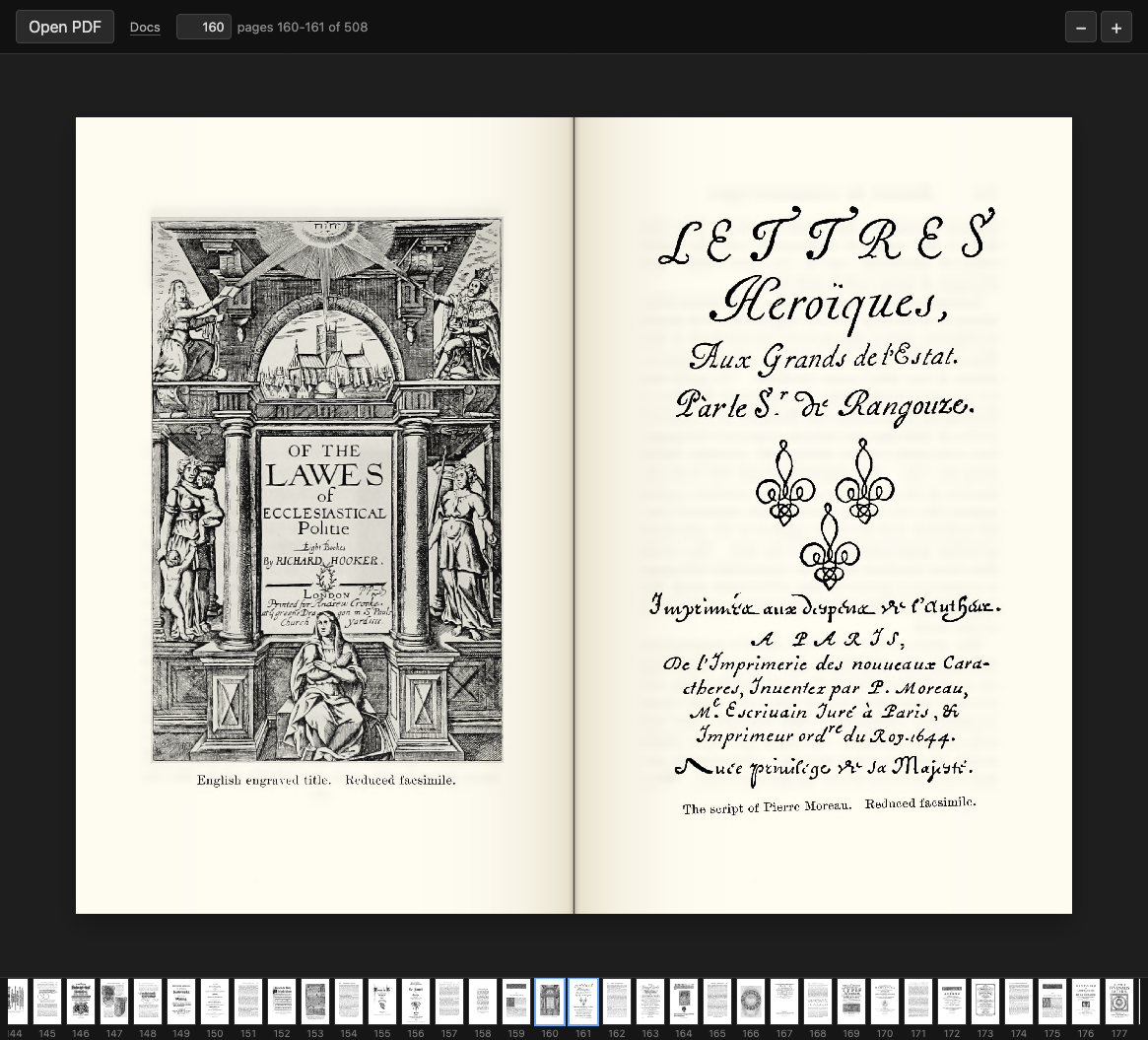
A screenshot of the demo — view its source.
import { createViewer } from "riffle";

const viewer = createViewer(); // returns a <canvas> element
container.append(viewer);      // append it like any other node
await viewer.openPdf(file); // call methods directly on it- Create a viewer with
createViewer(). - Append it wherever you want it in the DOM.
- Call methods on it (
openPdf,navigateBy,on, …).
Riffle never wraps your layout or injects styling — you decide where the viewer lives, how it sizes, and how it scrolls.
A minimal, paste-and-run HTML file with a viewer and a thumbnail strip that loads a PDF or a set of images and turns pages with the arrow keys:
<!DOCTYPE html>
<html lang="en">
  <head>
    <meta charset="utf-8" />
    <meta name="viewport" content="width=device-width, initial-scale=1" />
    <style>
      /* The viewer sizes itself to its scrollable container. */
      #viewport {
        width: 800px;
        height: 600px;
        overflow: auto;
      }
      /* Style the page strip through its stable class. */
      .riffle-page-strip {
        display: flex;
        gap: 4px;
        overflow-x: auto;
      }
    </style>
  </head>
  <body>
    <input id="pdf" type="file" accept="application/pdf" />
    <input id="images" type="file" accept="image/*" multiple />
    <div id="viewport"></div>
    <div id="strip"></div>

    <script type="module">
      import { createViewer, createPageStrip } from "https://cdn.jsdelivr.net/gh/RvanB/riffle.js@v0.2.0/dist/riffle.min.js";

      const viewer = createViewer();
      document.getElementById("viewport").append(viewer);
      document.getElementById("strip").append(createPageStrip(viewer));

      // Load a PDF…
      document.getElementById("pdf").addEventListener("change", (e) => {
        viewer.openPdf(e.target.files[0]);
      });
      // …or a set of images, one page each.
      document.getElementById("images").addEventListener("change", (e) => {
        viewer.openImages(e.target.files);
      });

      // Turn pages with the arrow keys.
      addEventListener("keydown", (e) => {
        if (e.key === "ArrowRight") viewer.navigateBy(+1);
        if (e.key === "ArrowLeft") viewer.navigateBy(-1);
      });
    </script>
  </body>
</html>Task-first walkthroughs live in the docs:
- Getting started — the programming model and your first viewer.
- Load a PDF — from a file, a URL, or bytes.
- Display images — one page per image with
openImages. - Navigate pages — turn pages and track position.
- Add a thumbnail strip —
createPageStripand styling. - Control zoom — zoom methods and wheel/trackpad zoom.
- Listen for events —
on/off, event names, and payloads. - Select & OCR text — selectable PDF text and attaching hOCR.
The public API is intentionally small:
createViewer(options)— create a viewer element.createPageStrip(viewer)— create a thumbnail strip bound to a viewer.- The viewer element's methods (
openPdf,openImages,navigateBy,goToPage,adjustZoom,resetZoom,on,off, …).
Everything documented in the guides & API reference
is stable. Undocumented properties, internal modules under src/, and the DOM
structure Riffle generates inside its elements may change between releases —
please don't rely on them.