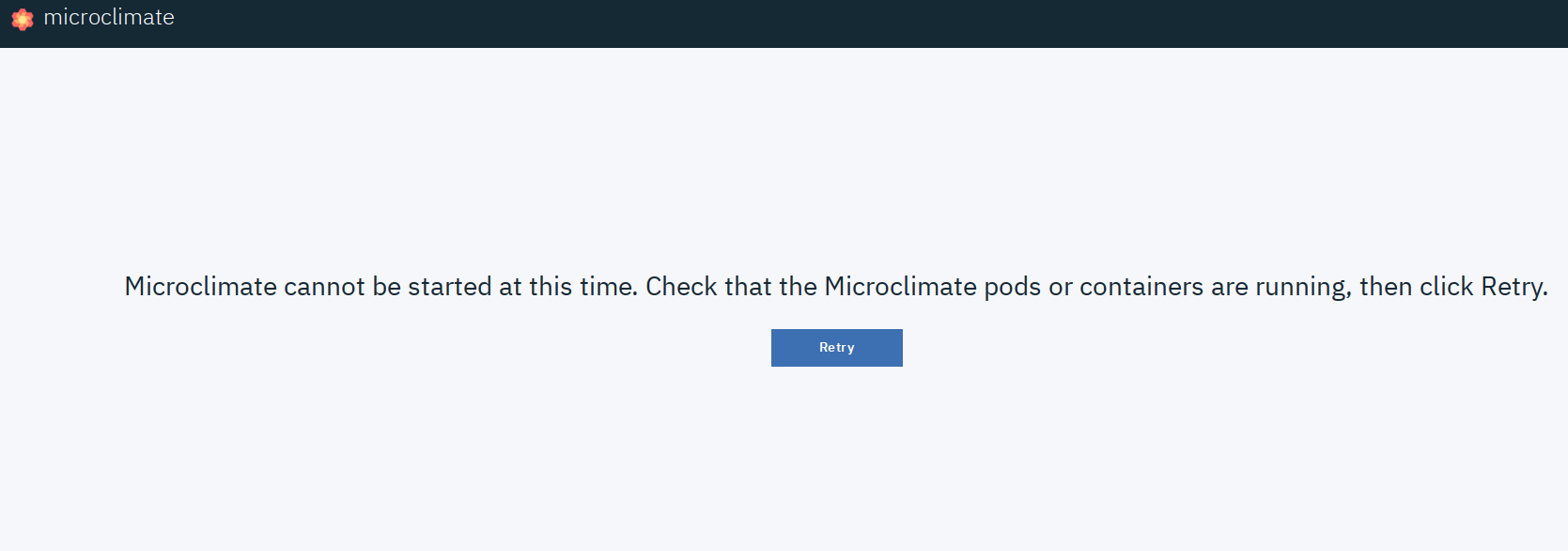
When installing locally in RHEL7 following the instructions results in an error message:
Microclimate cannot be started at this time. Check that the Microclimate pods or containers are running, then click Retry.
Looking around the logs points to a problem accessing the volume mount in ~/microclimate-workscape:
INFO Sat Feb 9 20:54:30 UTC 2019 | FileWatcher] file-watcher server launched on port '9091'
File system error: Error: EACCES: permission denied, open '/microclimate-workspace/.logs/FileWatcher.log'
... and since the directory exists and has adequate permissions the problem seems to be with SELinux enforcement, which is what I tried.
Workaround:
Use
to disable SELinux enforcing, and after
$ mcdev stop
$ mcdev start- o
it works; I haven't investigated this in a lot of depth so I could be treating a symptom and not a cause.
The documentation should make a mention of this or appropriate SELinux rules be included, or whatever is causing this in systems like mine.
System information
$ cat /etc/redhat-release
Red Hat Enterprise Linux Workstation release 7.5 (Maipo)
$ uname -a
Linux aldebaran 3.10.0-862.14.4.el7.x86_64 #1 SMP Fri Sep 21 09:07:21 UTC 2018 x86_64 x86_64 x86_64 GNU/Linux
Microclimate 19.02

When installing locally in RHEL7 following the instructions results in an error message:
Looking around the logs points to a problem accessing the volume mount in ~/microclimate-workscape:
... and since the directory exists and has adequate permissions the problem seems to be with SELinux enforcement, which is what I tried.
Workaround:
Use
to disable SELinux enforcing, and after
it works; I haven't investigated this in a lot of depth so I could be treating a symptom and not a cause.
The documentation should make a mention of this or appropriate SELinux rules be included, or whatever is causing this in systems like mine.
System information
Microclimate 19.02