Enable Sonar Cloud Code Checks #4

Description

Enable Sonar Cloud Code Scan for this repo
Sonar cloud does code scanning for core.ai repos. Ensure that sonar cloud is enabled for this repo.
Usually available in this URL: https://sonarcloud.io/project/overview?id=phcode-dev_tsIntelligence
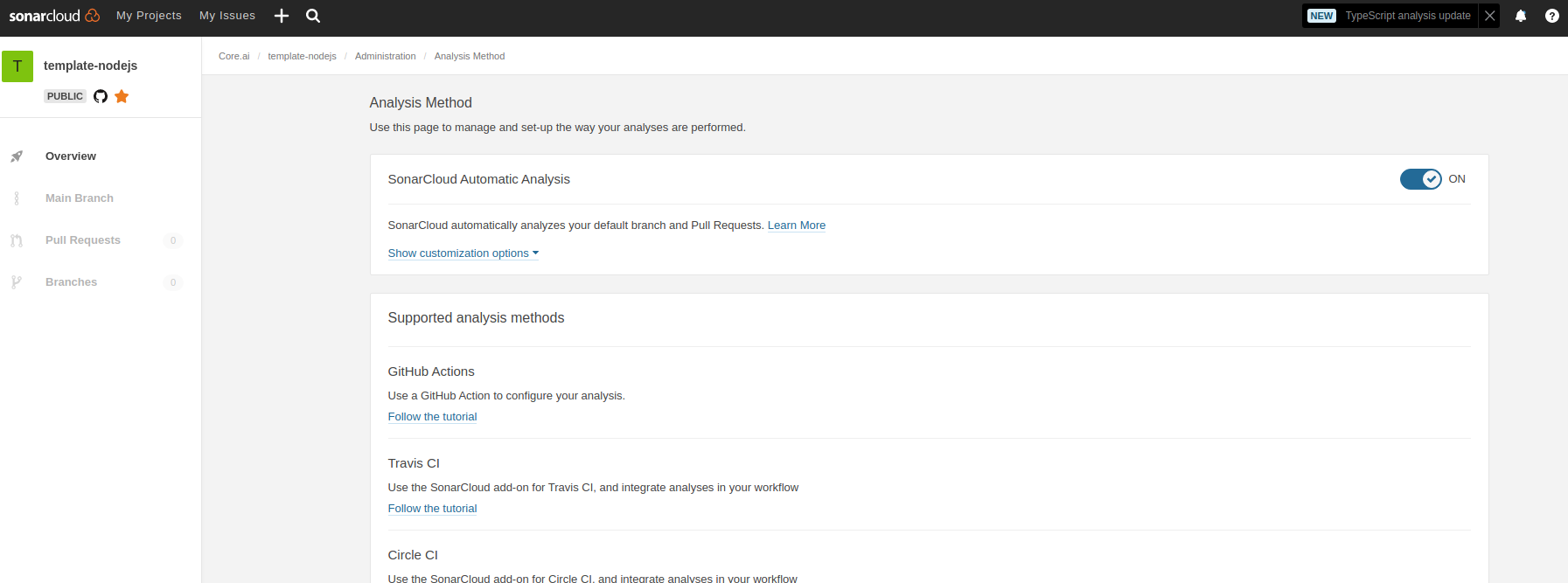
- Contact an core.ai org administrator to enable sonar scan for this repo.
- Verified that soncar scan code checks are available in your pull requests.
- Get you sonar cloud ID for the repo. It will usually look like
phcode-dev_tsIntelligencefor phcode-dev repos. - Update
readme.mdwith sonar badges by replacing allaicore_template-nodejs-tswith the id you got above. See this link for a sample pull request : update badges aicore/libcache#13 - Update
readme.mdbuild verification badge by replacing this line[](https://github.com/aicore/template-nodejs/actions/workflows/build_verify.yml)
with[](https://github.com/phcode-dev/tsIntelligence/actions/workflows/build_verify.yml)