| id | agents.docs.install.vscode-codex | ||
|---|---|---|---|
| title | Install WebDev Agent Kit for VS Code Codex | ||
| doc_type | user-guide | ||
| layer | docs | ||
| status | active | ||
| publishable | true | ||
| local_only | false | ||
| tags |
|
||
| parent |
|
||
| related |
|
||
| depends_on |
-
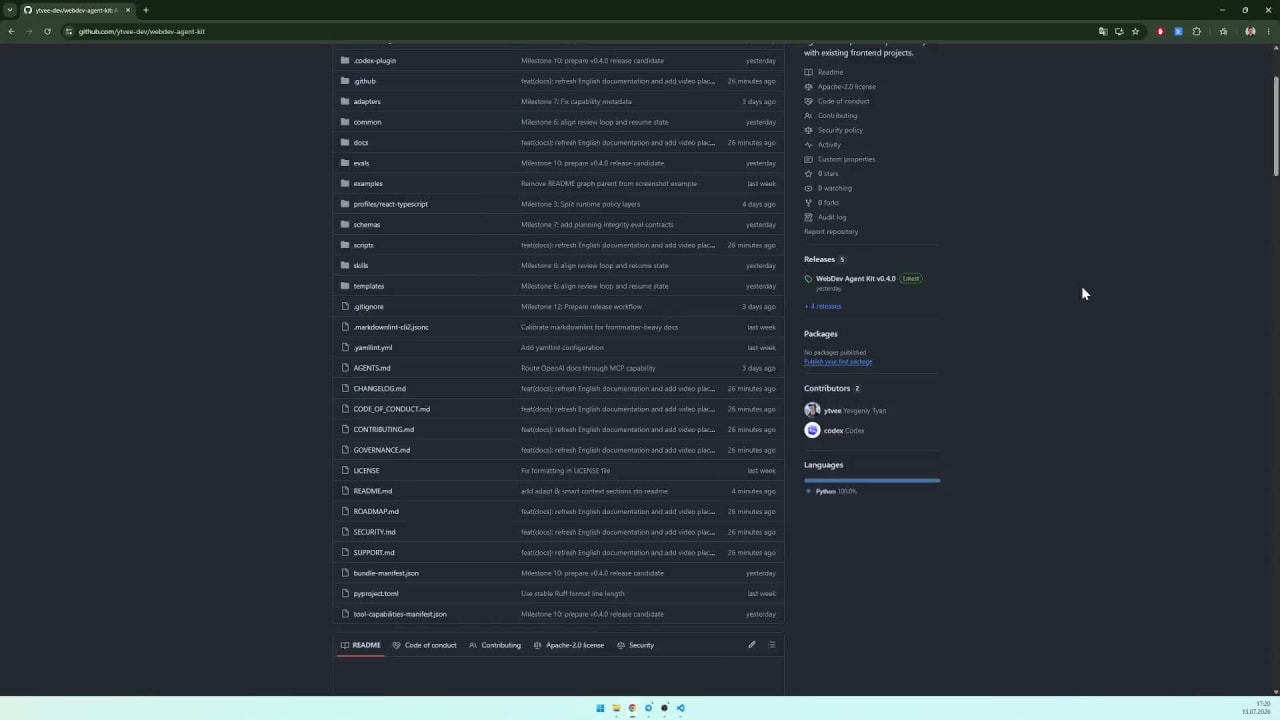
Download the latest VS Code Codex package.
-
Extract the archive into the project root. After extraction, the
.agents/directory must be located directly in the root next to the project files. -
Add the following root-anchored entries to the project's
.gitignoreso the local agent kit, Codex configuration, generated project context, and root instruction pointer are not committed to the remote repository:/.agents/ /.codex/ /AGENTS.md
-
Open the Codex extension in VS Code and send this prompt:
Adapt this .agents bundle to my project and create AGENTS.md in the root -
Open the Codex extension settings, go to Personalization, and select the Pragmatic personality. Then copy the recommended prompt from Custom instructions into the Custom instructions field.
-
After adaptation, Codex creates
.agents/project/with local project profiles, capability information, and path indexes. During subsequent work, it updates the affected context when project facts change substantially, for example after a major refactor or feature addition. This happens as part of tasks, not through background file monitoring. To refresh cached context manually, send:Update the project context after these changes.