Script for Matlab to calculate QE by Raw Bayer data, captured by Raspberry Pi script.
Status: Stable.
Creative Commons license: https://goo.gl/Bt9Pwr
-
bayer_all.py : Raspberry Pi script for capture images with space bar.
This Script must have intalled in a Rasp:
- py-getch: https://goo.gl/jeLuDv
- picamera: https://goo.gl/QFMRFa
On Rasp's console: python camera.py
-
BayerRgb_to_RGB : folder with MatLab script.
Open it on MatLab and follow the instruction on top.
Raspberry setup:
-
Load the bayer_all.py on raspberry, you could use
scp *folderName.zip* pi@IP:. -
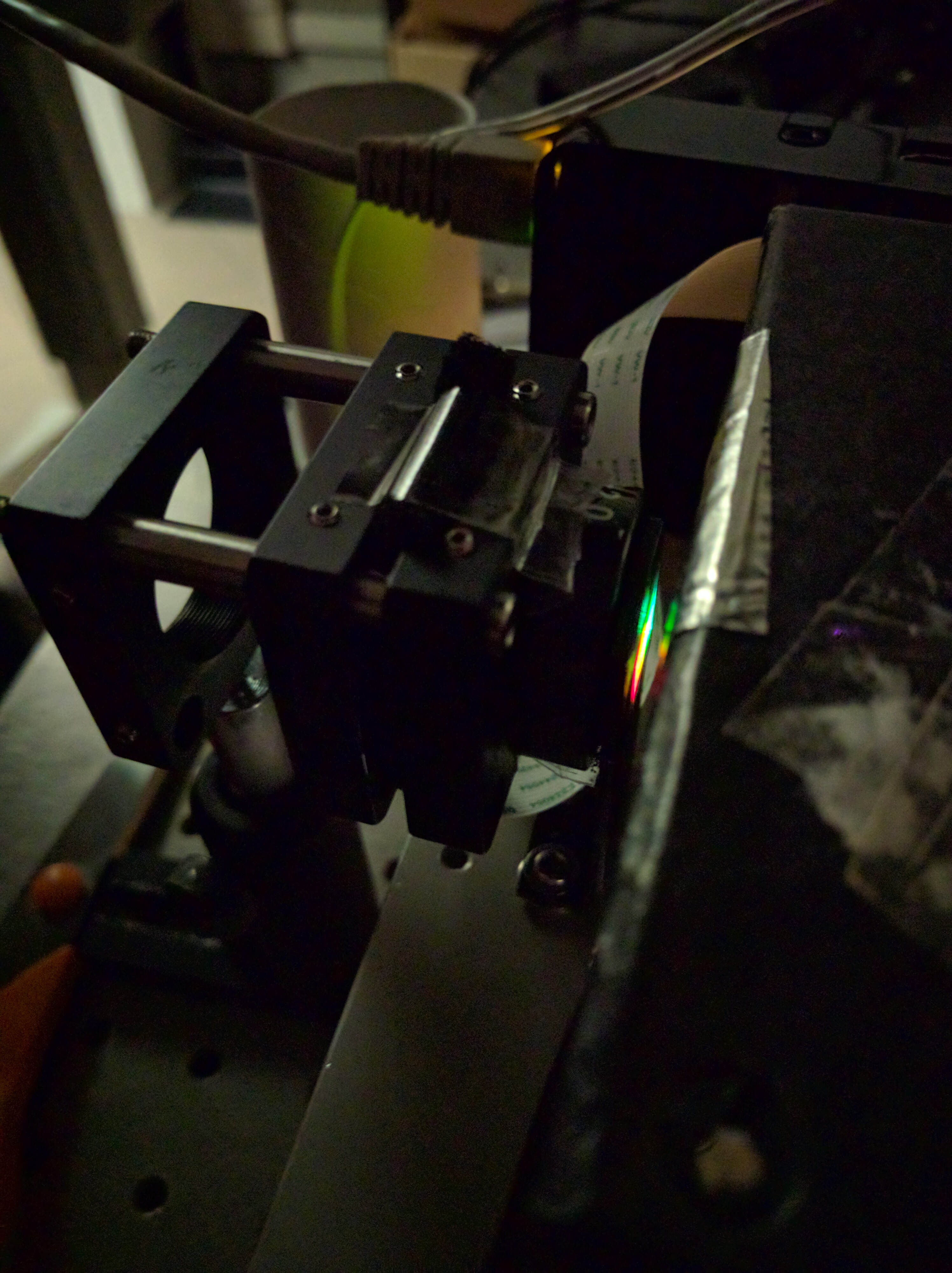
Put in front of raspberry camera the slit of monochromator.
-
Run the script and follow the istruction on monitor. Step by step, move the trigger on monochromator and take a pic with space bar.
-
The Rasp's script will save a folderName.zip file with your Raw Bayer data, called numberX.npy .
-
You could use
scp pi@IP:*folderName.zip* .to grab the file from the raspberry to your Unix terminal destination pc ( linux or mac ) .
MatLab setup:
-
Open plot_mix.m in Matlab
-
Remember to set the number of captures, if you have more then one, keep in mind to start with NDF lower to NDF highter.
For made this project i used:
- Optolab Lab resources ( monochromator, lenses, NDF and spectrometer )
- npy-matlab : https://goo.gl/N7EeEv
- picamera : https://goo.gl/J6bvXY