
In this lab, we'll practice using JavaScript objects by exploring the world of Jurassic Park!
ForkandClonethis repositorycdinto the directorycode .to open in VSCode- Create a new file with
touchcalledscript.js. You'll do all your work in this file. Remember, you can test your work by typingnode script.jsin the terminal.
Create your own JavaScript object representing your favorite movie. I'm going to use Jurassic Park, obviously.
Example:
const myMovie = {
  title: 'Jurassic Park',
  director: 'Stephen Spielberg',
  actors: ['Sam Neill', 'Laura Dern', 'Jeff Goldblum', 'Samuel L. Jackson'],
  releaseYear: 1993,
  duration: 128
}- After you have created your movie object, console log the title of your movie using
dot notation - Console log the director's name
- Console log the release year
- Use
bracket notationin combination withdot notationto access one of the actors and console log their name - Maybe your favorite movie came with an extended director's cut - write a statement that increases your movie object's duration by 25 minutes
What else can we do with objects in JavaScript, you may ask?
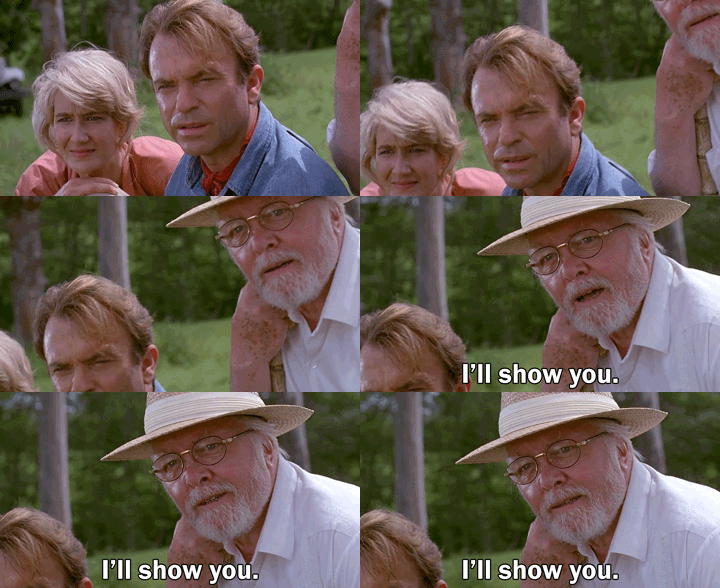
Today we visit Jurassic Park to explore the wild world of objects!
Copy and paste each of these JavaScript snippets into your JavaScript file. You'll be working off of these as we go.

In this first part, we're in Montana to check in with Dr. Grant on his Velociraptor dig.
// copy and paste into your script.js

const montana = {
  scientist: 'Dr. Alan Grant',
  depth: '10 meters',
  dino: 'Velociraptor'
}-
Create a variable called
guestOfHonorand assign its value to the name of the scientist inmontana. -
Access the value of the dino key found in the
montanaobject and store it in a variable calledcleverGirl.

Next, we head to Costa Rica, where Dennis Nedry and Dodgson (nobody cares) have already got a plan brewing to steal all of the dinosaur embryos...
// copy and paste into your script.js

const costaRica = {
  programmer: 'Dennis Nedry',
  contact: 'Lewis Dodgson',
  payment: 750000,
  specimens: [
    'Tyrannosaurus Rex',
    'Triceratops',
    'Brachiosaurus',
    'Velociraptor',
    'Dilophasaurus',
    'Gallimimus'
  ],
  menthol: false
}-
Store the array of specimens Nedry is supposed to steal in a variable called
barbasol. -
Make a variable called
favoriteDinoand assign its value to your favorite dinosaur withinspecimens.
Welcome to Jurassic Park! Things are starting off great! Spared no expense!
// copy and paste into your script.js

const jurassicPark = {
  expenseSpared: 0,
  staff: {
    founder: 'John Hammond',
    programmer: 'Dennis Nedry',
    engineer: 'John Arnold',
    security: 'Robert Muldoon',
    scientist: 'Dr. Henry Wu'
  },
  guests: ['Dr. Alan Grant', 'Dr. Ellie Sattler', 'Dr. Ian Malcolm', 'Donald Gennaro'],

}-
Access the founder of Jurassic Park and store his name in an appropriately named variable.
-
The grandkids have arrived! Add "Tim" and "Lex" to the array of guests. You could assign the values to a specific index number of the array or you could look into .push().
-
Hold on to your butts. Sadly, remove "John Arnold" from the staff object. He wasn't able to get the systems back online.

Not only are you becomming fantastic programmers, but Dr. Hammond now wants to hire you as a genetic biologist as well, creating new dinosaurs! Using OOP, create a new class called Dinosaur, with Name, Height, Weight, and isCarnivore as properties. What types of data would you want to use for each?
Once you have the blueprint created, create 3 new Dinosaur objects - Stegosaurus, Triceratops, and Spinosaurus. You can do a quick wiki search to find the information for each dinosaur, or you can just make it up yourself!