
A hyper-local digital noticeboard for Indian neighborhoods. Post and view public events & notices relevant to your nearby area.
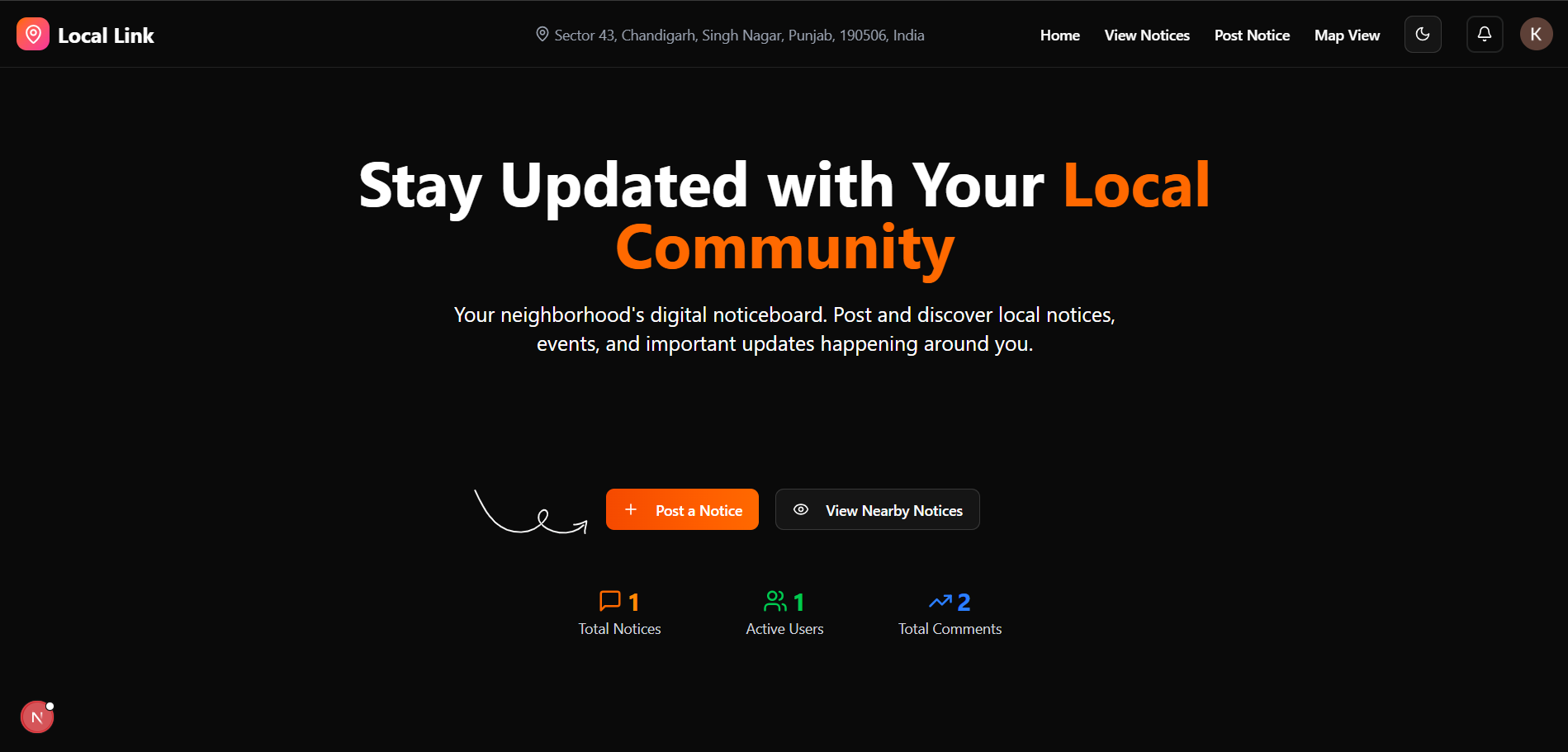
- (Next Full Stack):
- React.js
- Next.js
- Shadcn-ui
- TailwindCSS
- TypeScript
- Zod - Form Validation
- Framer-motion
- Firebase
- Database:
- Neon
- PostgreSQL
- Firebase
- Cloudinary
- Version Control:
- Git
## 📁 File Structure :
Directory structure:
└── next/
    ├── README.md
    ├── components.json
    ├── eslint.config.mjs
    ├── next.config.ts
    ├── package.json
    ├── postcss.config.mjs
    ├── tsconfig.json
    ├── actions/
    │   ├── comments.actions.ts
    │   ├── dashboard.actions.ts
    │   ├── helper.actions.ts
    │   ├── notices.actions.ts
    │   ├── notifications.actions.ts
    │   └── user.actions.ts
    ├── app/
    │   ├── globals.css
    │   ├── layout.tsx
    │   ├── page.tsx
    │   ├── api/
    │   │   ├── comments/
    │   │   │   └── route.ts
    │   │   ├── create-user/
    │   │   │   └── route.ts
    │   │   ├── dashboard/
    │   │   │   └── route.ts
    │   │   ├── notices/
    │   │   │   ├── route.ts
    │   │   │   └── [id]/
    │   │   │       ├── route.ts
    │   │   │       └── upvote/
    │   │   │           └── route.ts
    │   │   ├── notifications/
    │   │   │   └── route.ts
    │   │   ├── post-notices/
    │   │   │   └── route.ts
    │   │   ├── set-session/
    │   │   │   └── route.ts
    │   │   └── upload-on-cloudinary/
    │   │       └── route.ts
    │   ├── auth/
    │   │   └── page.tsx
    │   ├── dashboard/
    │   │   └── page.tsx
    │   ├── map/
    │   │   └── page.tsx
    │   ├── notices/
    │   │   ├── page.tsx
    │   │   └── [id]/
    │   │       └── page.tsx
    │   ├── post/
    │   │   └── page.tsx
    │   └── user/
    │       └── [id]/
    │           └── page.tsx
    ├── components/
    │   ├── AuthForm.tsx
    │   ├── AuthProvider.tsx
    │   ├── CardSkeleton.tsx
    │   ├── CategoryFilterSection.tsx
    │   ├── DashboardView.tsx
    │   ├── Footer.tsx
    │   ├── Hero.tsx
    │   ├── LocationProvider.tsx
    │   ├── MapView.tsx
    │   ├── Navbar.tsx
    │   ├── NoticeDetails.tsx
    │   ├── NoticesView.tsx
    │   ├── PostNoticeForm.tsx
    │   ├── SessionWatcher.tsx
    │   ├── ToggleTheme.tsx
    │   ├── UserProfile.tsx
    │   └── ui/
    │       ├── avatar.tsx
    │       ├── badge.tsx
    │       ├── button.tsx
    │       ├── card.tsx
    │       ├── dropdown-menu.tsx
    │       ├── input.tsx
    │       ├── label.tsx
    │       ├── popover.tsx
    │       ├── scroll-area.tsx
    │       ├── select.tsx
    │       ├── separator.tsx
    │       ├── sheet.tsx
    │       ├── skeleton.tsx
    │       ├── sonner.tsx
    │       ├── switch.tsx
    │       ├── tabs.tsx
    │       └── textarea.tsx
    ├── hooks/
    │   └── use-auth.ts
    ├── lib/
    │   ├── cloudinary.ts
    │   ├── prisma.ts
    │   ├── utils.ts
    │   ├── validations.ts
    │   └── firebase/
    │       ├── firebase-admin.ts
    │       ├── firebase-auth.ts
    │       ├── firebase.ts
    │       └── upload-image.ts
    ├── prisma/
    │   ├── schema.prisma
    │   └── migrations/
    │       ├── migration_lock.toml
    │       ├── 20250726095710_init/
    │       │   └── migration.sql
    │       ├── 20250729115813_notices/
    │       │   └── migration.sql
    │       ├── 20250812095037_user_profile/
    │       │   └── migration.sql
    │       └── 20250812101829_user_profile/
    │           └── migration.sql
    ├── types/
    │   └── types.ts
    └── utils/
        ├── distance.ts
        ├── refreshSessionCookie.ts
        └── setSessionCookie.ts
| Variable | Description |
|---|---|
----------------DATABASE------------------- |
------------------DATABASE-------------------------- |
| DATABASE_URL | Database URL from neon again make a free account |
----------------FIREBASE------------------- |
------------------FIREBASE-------------------------- |
| NEXT_PUBLIC_FIREBASE_AUTH_DOMAIN | Create Firebase Project To Get this key |
| NEXT_PUBLIC_FIREBASE_PROJECT_ID | Create Firebase Project To Get this key |
| NEXT_PUBLIC_FIREBASE_STORAGE_BUCKET | Create Firebase Project To Get this key |
| NEXT_PUBLIC_FIREBASE_MESSAGING_SENDER_ID | Create Firebase Project To Get this key |
| NEXT_PUBLIC_FIREBASE_APP_ID | Create Firebase Project To Get this key |
| NEXT_PUBLIC_FIREBASE_MEASUREMENT_ID | Create Firebase Project To Get this key |
----------------LOCATION------------------- |
------------------LOCATION--------------------------- |
| NEXT_PUBLIC_NOMINATIM_URL | Contact me to get this URL |
-------------FIREBASE-ADMIN---------------- |
------------------FIREBASE-ADMIN--------------------- |
| FIREBASE_PROJECT_ID | Download Create Admin Private Keys json file |
| FIREBASE_CLIENT_EMAIL | Download Create Admin Private Keys json file |
| FIREBASE_PRIVATE_KEY | Download Create Admin Private Keys json file |
To run this project locally, follow these steps:
- Clone the repository:
git clone https://github.com/Karan-develops/Local-Link - Navigate to the project directory:
cd next - Install the dependencies:
npm install - Set up environment variables: - Create a
.envfile in thenextdirectory, - Add the Variables given in abovenextTable. - Start the development server:
npm run dev
- Open your browser and navigate to
http://localhost:3000for next. - Register a new account or log in with existing credentials.
- Explore the features and functionalities of the Local Link Project.
Contributions are welcome! Please follow these steps to contribute:
- Clone or fork this repo
Run[ git clonehttps://github.com/Karan-develops/Local-Link]
- Fork the repository.
- Create a new branch:
git checkout -b feature/your-feature-name - Make your changes and commit them:
git commit -m "Add your message" - Push to the branch:
git push origin feature/your-feature-name - Open a pull request.
This repository is open source and under MIT License.
--- Lets Build & Grow, Have a Good Day 😊 ---