
Latest release | Donate | Discord


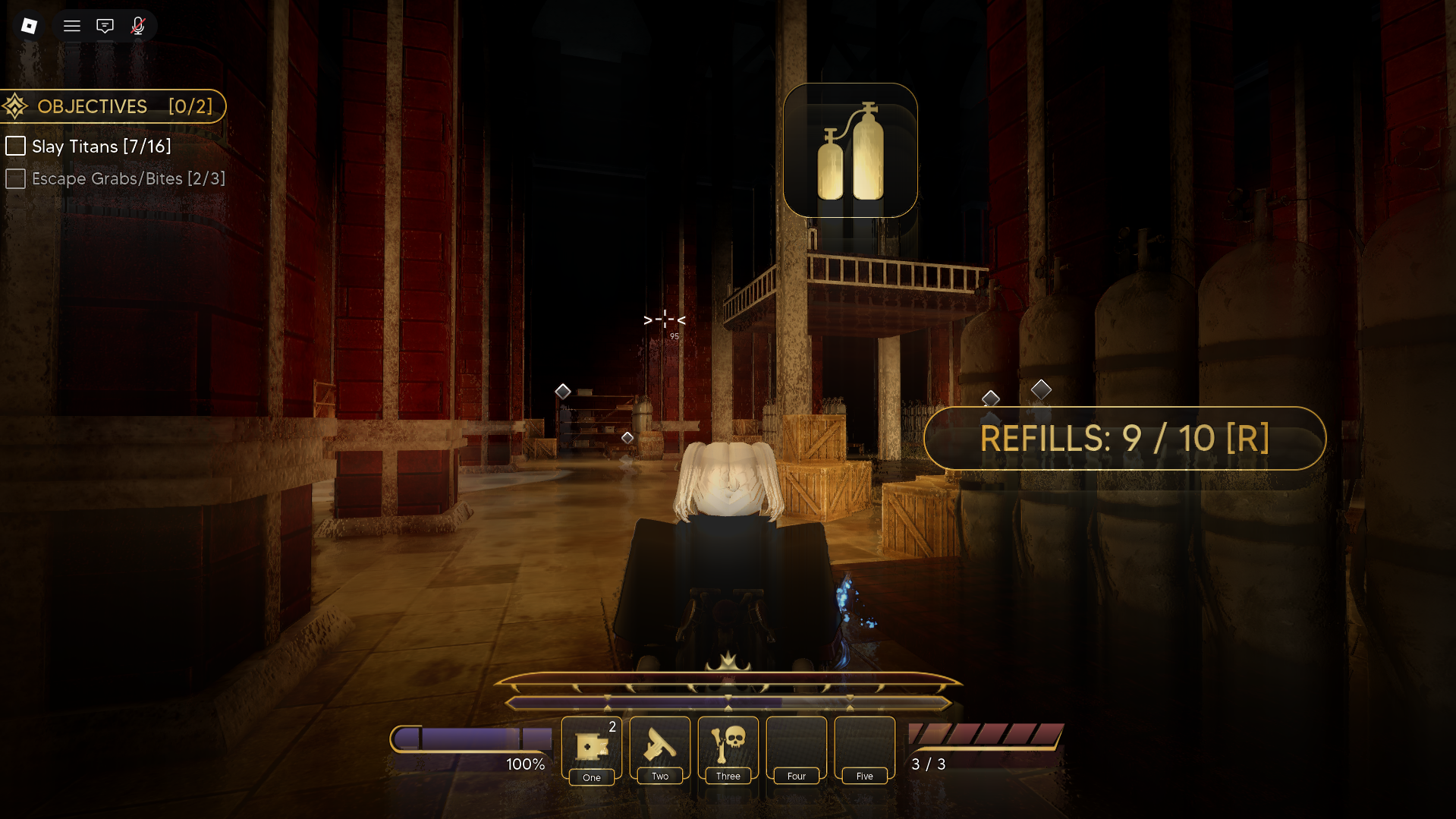
|
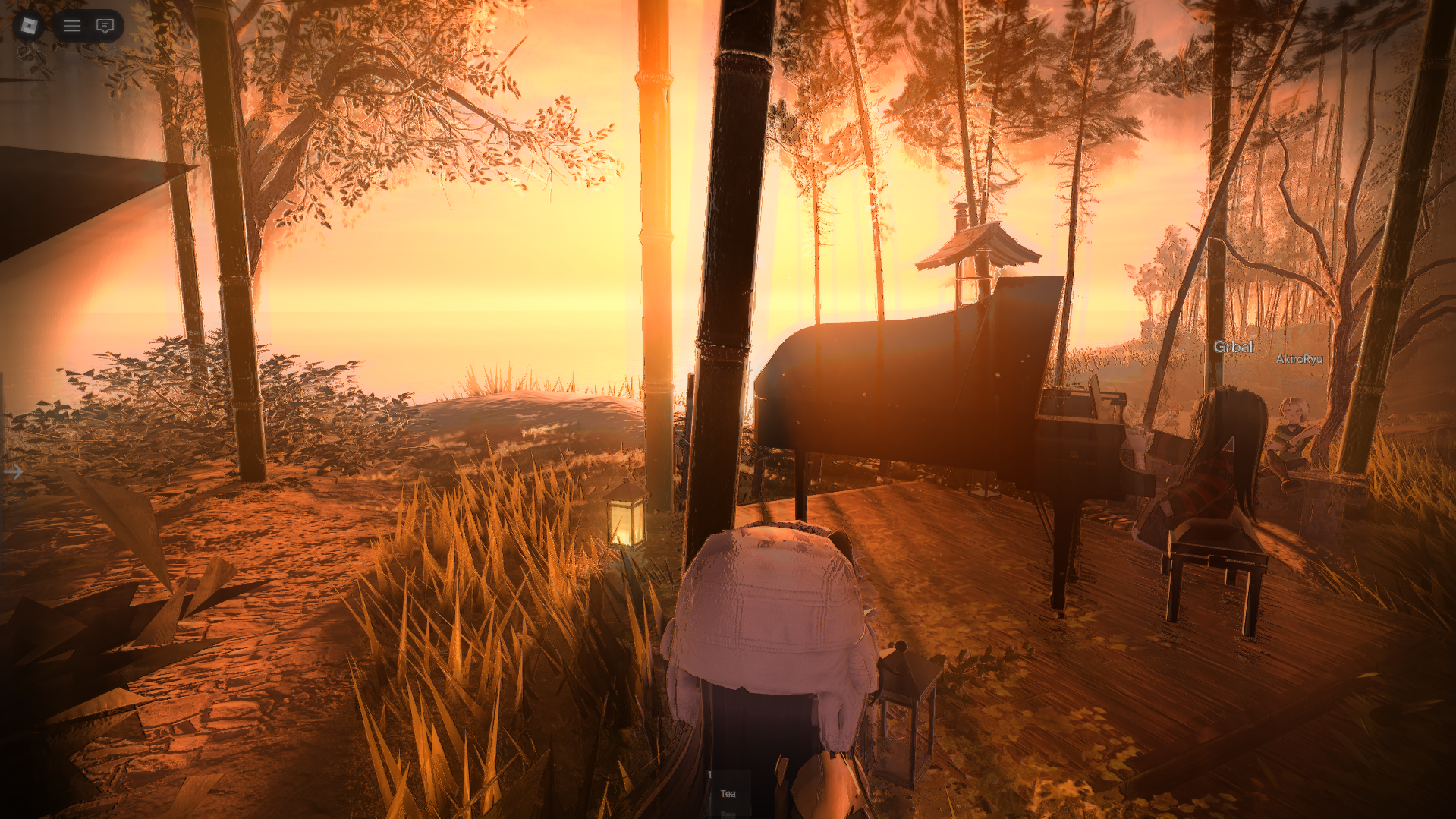
|
.png)
|
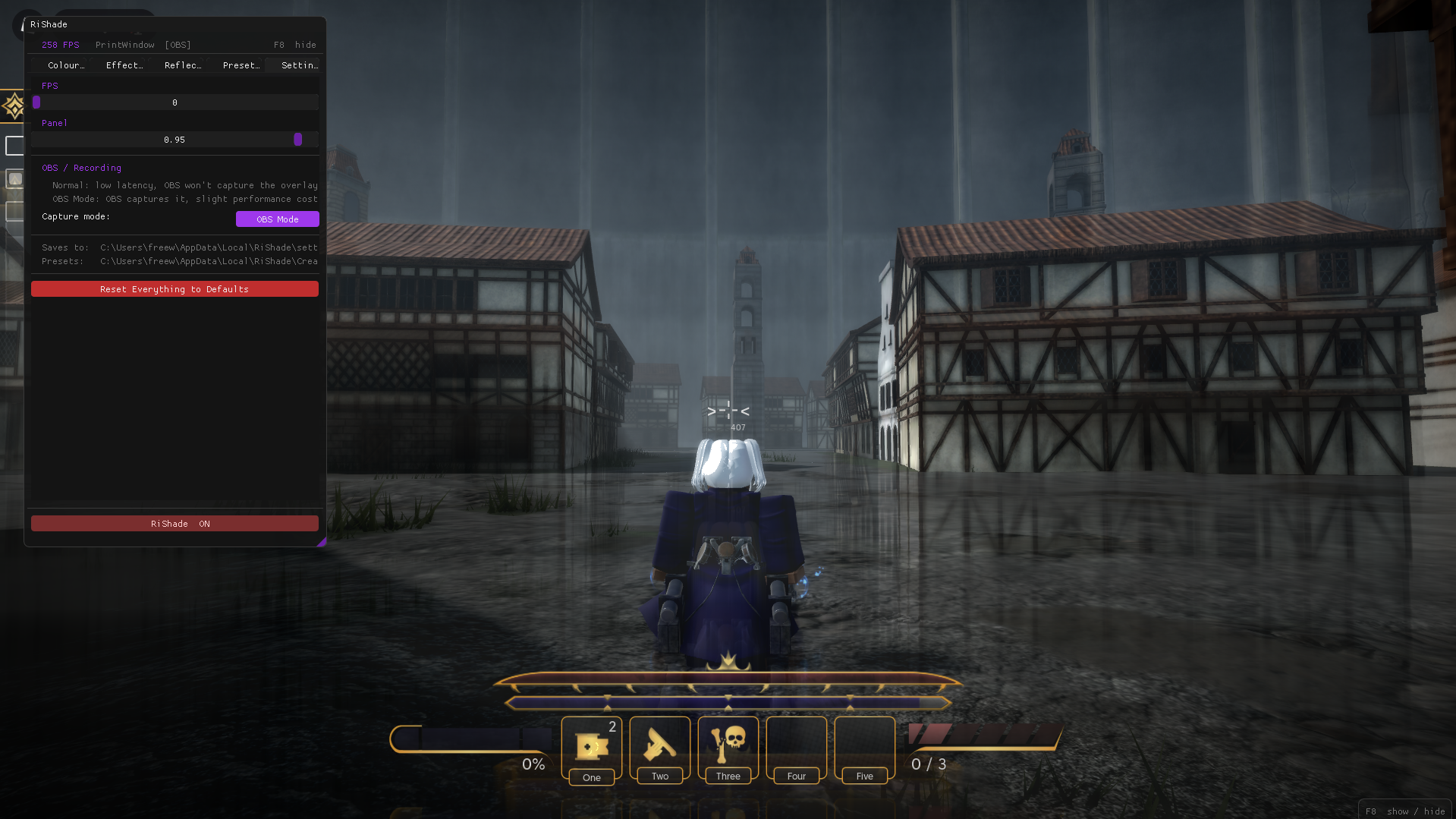
|
RiShade uses GLFW to create a transparent, on top OpenGL window that covers your entire screen.
- Captures the current display using DXCam (or mss as fallback)
- Uploads the frame to the GPU via double buffered PBO
- Runs the frame through a chain of GLSL fragment shader
- Composites the result back to the screen
- Renders the imgui settings panel on top
| Key | Action |
|---|---|
F8 |
Toggle the settings panel |
P |
Exit RiShade |
| Path | Contents |
|---|---|
%LOCALAPPDATA%\RiShade\settings.json |
Current settings |
%LOCALAPPDATA%\RiShade\CreatedPresets\ |
Saved custom presets |
%LOCALAPPDATA%\RiShade\shader_cache\ |
Compiled shader binaries |
| © RiShade | MIT |
Warning
RiShade is inspired by Bloxshade. Everything here is still a WIP. Features may change and some things may be unfinished.
