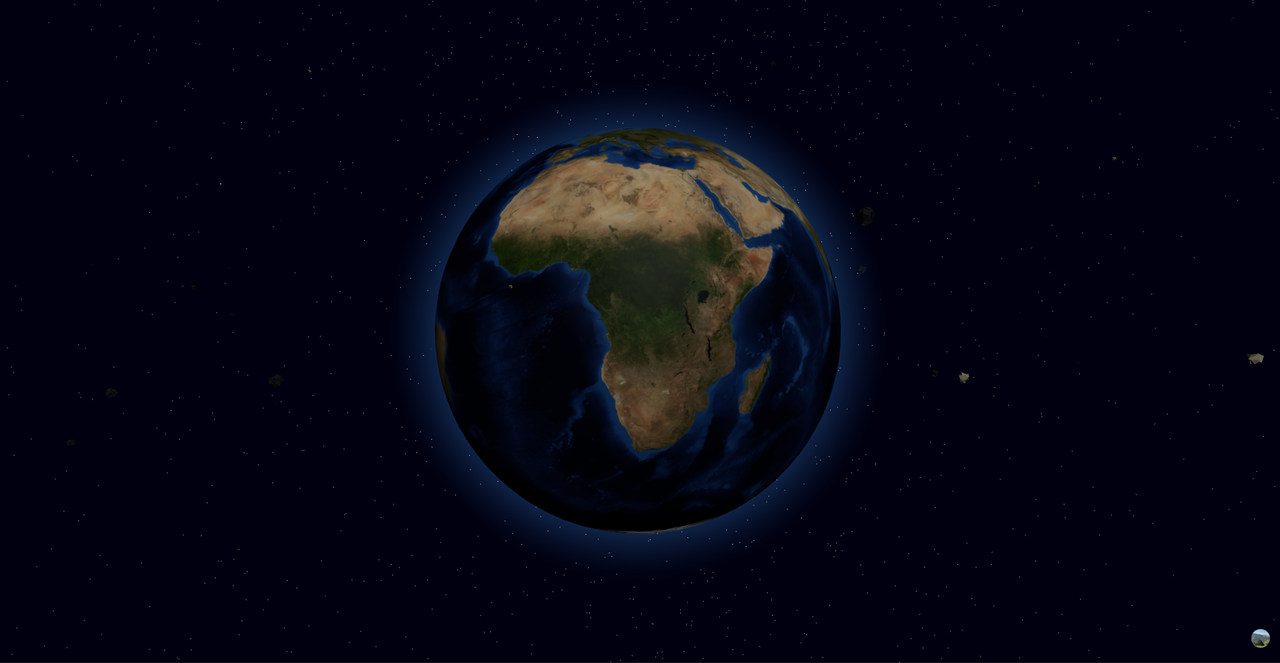
This interactive 3D visualization displays near-Earth asteroids with secure user authentication. Built with Next.js and Three.js, it features realistic asteroid models orbiting Earth, with Clerk handling authentication and a single optimized API endpoint for data fetching.
-
Immersive 3D Visualization:
- Realistic Earth model with atmospheric effects
- Procedurally generated asteroids with detailed surfaces
- Dynamic lighting and starfield background
-
Secure Authentication:
- Powered by Clerk for seamless auth flows
- Protected routes and API endpoints
- User-specific asteroid favorites
-
Optimized Data Flow:
- Single efficient
/api/neoendpoint - Cached NASA NEO data with periodic updates
- Lightweight data structure for performance
- Single efficient
- Node.js 22+
- NASA API key (free from api.nasa.gov)
- Clerk account (free tier available)
- Clone the repository
- Install dependencies with
npm install - Set up your
.env.localfile:
NEXT_PUBLIC_CLERK_PUBLISHABLE_KEY=your_key_here
CLERK_SECRET_KEY=your_secret_here
NASA_API_KEY=your_nasa_key_herenpm run dev- Create a Clerk application at clerk.dev
- Configure your preferred authentication providers
- Add your Clerk keys to environment variables
- Customize auth pages in the
/(auth)directory
The single /api/neo endpoint handles all asteroid data needs:
// Example fetch
const response = await fetch('/api/neo');
const data = await response.json();
Response Format:
{
  "asteroids": [
    {
      "id": "12345",
      "name": "Asteroid (2023 AB)",
      "diameter": 150.5,
      "velocity": 15.2,
      "distance": 4500000
    }
  ],
  "timestamp": "2023-11-15T12:00:00Z"
}- Import your repository
- Add all environment variables
- Enable Clerk's authentication proxy
- Deploy!
Ensure you:
- Configure HTTPS
- Set proper redirect URLs in Clerk
- Implement caching for the API endpoint
We welcome contributions! Please:
- Fork the repository
- Create a feature branch
- Submit a pull request with clear documentation
MIT Licensed. See LICENSE file for details.