
This application allows users to create images using artificial intelligence by selecting different models and image styles.
You can try the app here


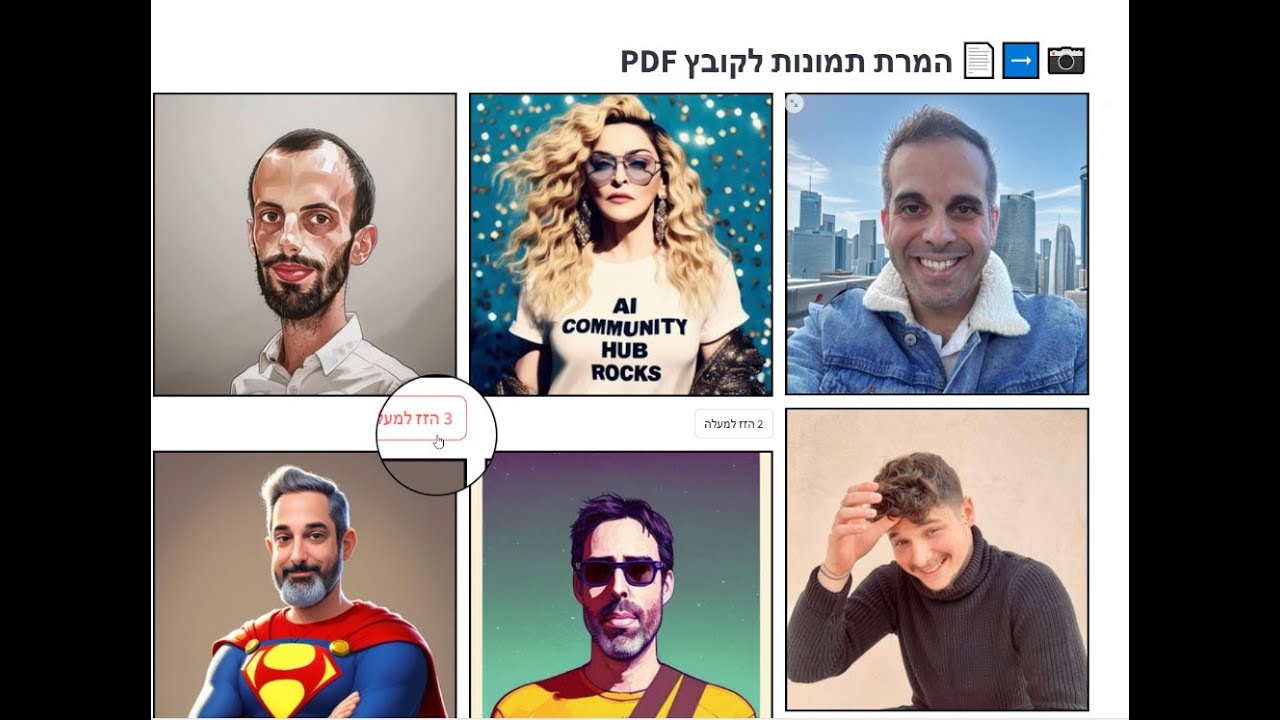

- Create images using various AI models
- Choose from different image styles
- Option to input custom prompts
- Compare results from different models
- Support for both English and Hebrew languages
To use this application, you need to install the required dependencies. Run the following command to install them:
pip install -r requirements.txt- Enter a prompt: Write a description of the image you want to create.
- Select models: Choose the AI models you want to use to generate the image.
- Choose a style: Select the desired image style (available styles depend on the selected models).
- Generate images: Click the 'Generate' button to create the images.
- Compare results: View the images created by different models and compare them.
Make sure you have Streamlit installed before running the application. Run the following command in your terminal:
streamlit run main.py
- The application supports several different AI models for image creation, including Flux, Stable Diffusion, and more.
- You can use prompts in English or Hebrew.
- Results may vary between different models, allowing for interesting comparisons of their capabilities.
We welcome feedback and ideas for improving the application!