Team Project Management React App is a comprehensive web application built using React.js, designed to streamline project management for teams. With its user-friendly interface and powerful features, Team Project Management React App enhances productivity and coordination within project teams, ensuring smooth and efficient project execution.
- Task Management: Create, assign, and manage tasks within projects.
- Real-time Collaboration: Team members can collaborate by adding comments to tasks.
- Task Status Tracking: Track the status of tasks (completed/uncompleted) to monitor progress.
- Member Management: Add and manage team members involved in the project.
- Responsive Design: User interface optimized for various screen sizes and devices for seamless access.
- Local Data Storage: Utilizes local browser storage to store project data for quick access and offline capabilities.
- Intuitive Interface: User-friendly interface designed for ease of use and efficient project management.
- Project Overview: Provides an overview of project details, including project name, description, and assigned tasks.
- Sample Project Inclusion: Users can explore the app's features immediately with a sample project, simplifying onboarding.
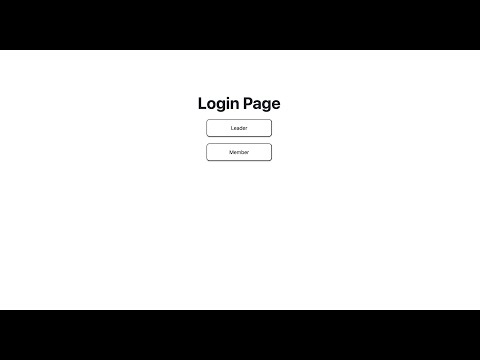
- Default User Accounts: Users can quickly access the system using default leader and member user accounts. This streamlines the onboarding process and allows users to explore the application immediately.
- Sample User Profiles: Sample user profiles are included in the system to illustrate different roles and permissions. This helps users understand the differences between leader and member roles and how they interact within the application.
To run Team Project Management React App locally, you can follow these steps:
- Clone the github repository to your local.
git clone https://github.com/ZAcoooo/teamManagementReact.git - Install required node modules:
npm install - Running the application:
npm run dev - Open the web browser and access the app through the localhost link:
http://localhost:5173
This project is licensed under the MIT License - see the LICENSE file for details.