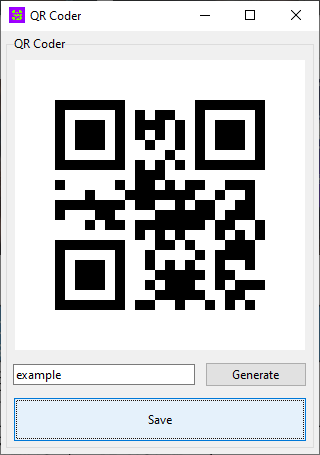
QR Coder is a Python program designed for easily creating Quick Response codes. It utilizes the tkinter module to build a graphical user interface.
-
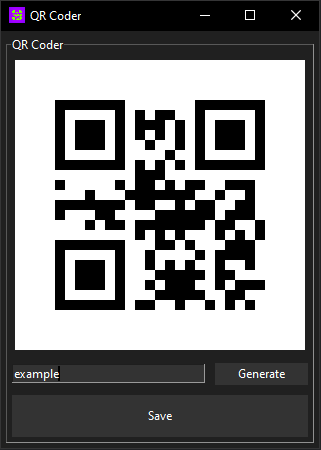
User-Friendly Interface: The program provides a simple and intuitive interface for generating QR codes.
-
QR Code Generation: Input any data into the text entry field, click the "Generate" button, and the program will create a QR code representing the entered data.
-
Save QR Code: Users can save the generated QR code as a PNG file by clicking the "Save" button.
-
Enter Data: Input the data you want to encode into the QR code in the entry field.
-
Generate QR Code: Click the "Generate" button to create the QR code.
-
Save QR Code: If you wish to save the generated QR code, click the "Save" button and choose a location to save the PNG file.
- Python 3.x
- tkinter module
- qrcode module
- Pillow (PIL) module
-
Clone or download the repository to your local machine.
-
Install the required modules using the following command:
pip install -r requirements.txt -
Run the program:
python main.py
This project is licensed under the MIT License.