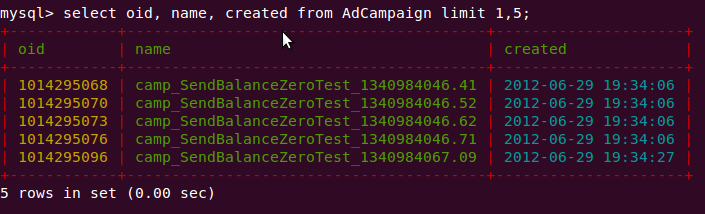
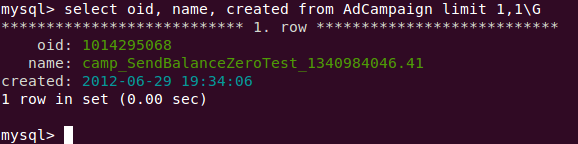
Sample config files showing how to colorize linux console mysql client using grc
- Install grc (for debian systems:
apt-get install grc) - Copy both config files into your home directory
- Run mysql client
mysql -u <user> -p -h <hostname> - Enjoy!
Mysql client supports using predefined pager for data output.
So we can set grcat (Generic Colouriser) for processing mysql output.
grcat reads supplied config file, parces output according to regexp's and adds colours.
grc manual can be founded via man grc or here: http://kassiopeia.juls.savba.sk/~garabik/software/grc/README.txt