Simple f# console application to see visually ( with d3 ) the nuget dependencies of a source code ( in c# projects)
There is a branch with the executable file (executable-file) that has the self-contained console application.
If we launch the executable and then paste the path to our source code we are going to be on our way.
We are going to get two questions regarding if we want to include test projects or not and if we want to include external dependencies or not.
Once we clicked ok we are going to get the number of projects / number of tests projects and a browser should open up with a D3 diagram.
Here are some examples.
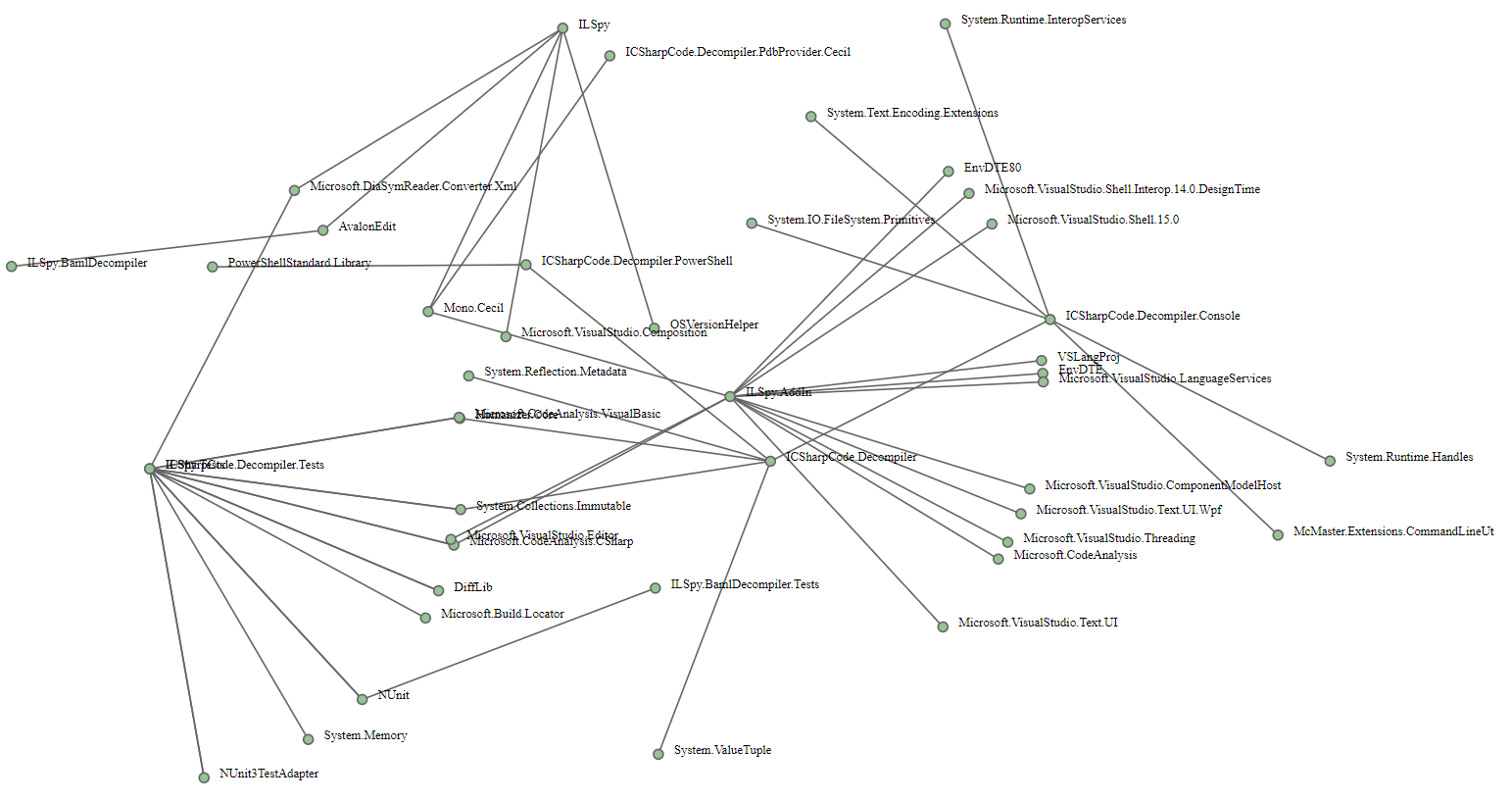
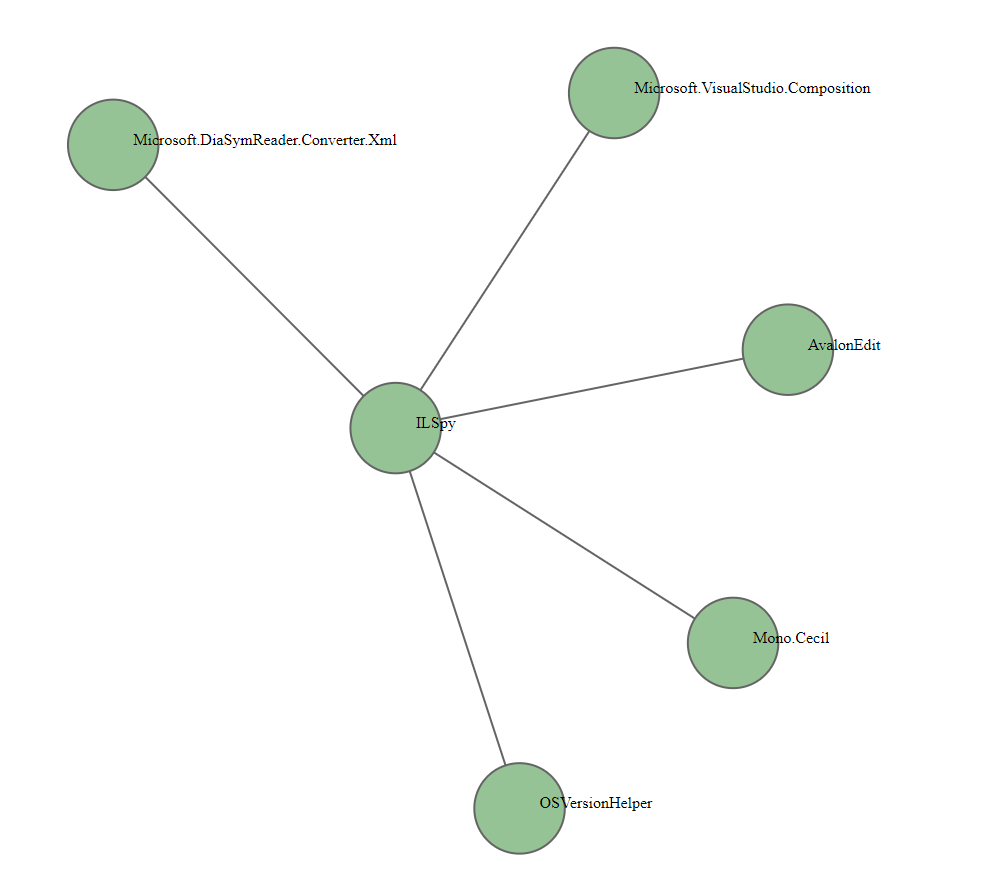
I has a LOT of limitations/work in progress but it's a start, so let's list them.
- Windows only :( (for the executable file, since it runs on a modified nuget for the graphics)
- Only csharp projects ( fsharp projects it's a working progress)
- Not a right way to use the Xplot library ( currently using a local nuget because there is no stable nuget generated on his repo)
- Using nuget (yeah I didn't realize that I wasn't using paket since late on, to change tho !)
- All together (it's a bit of a mess, to split in the future!)
- The test/no test validation is done checking the xunit/nunit paket so may not be accurate.
- The D3 graph it's ... well it's (to improve)
- Maybe other stuff that surely I haven't tried
As I mentioned on the known issues I didn't find the xPlot package for d3 so I uploaded a nuget here (BAD hiro! BAD!) The folder structure then follows this a rawDependencies folder where you find the infamous nugget and a dependenciesTest folder where you find the visual studio solution. Overall all the code is in DependenciesExplorer/dependenciesTest/testingDep/Program.fs (and I'm not proud of that). If you want to develop/debugg I suggest to create a local folder for nuget packages and drop the mentioned above there. If something is not working you can always rely on the source code for that.