


One keystroke. IDE + Terminal + AI. Done.
Stop switching between apps. Open your project in IDE and Terminal simultaneously,
with your favorite AI coding assistant ready to go.
| Feature | Benefit |
|---|---|
| IDE + Terminal | Open both in one action, no more cmd+tab |
| AI CLI Ready | Auto-run claude, codex, gemini, or any custom command |
| Custom Commands | Run nvim, vim, make dev, or whatever you need |
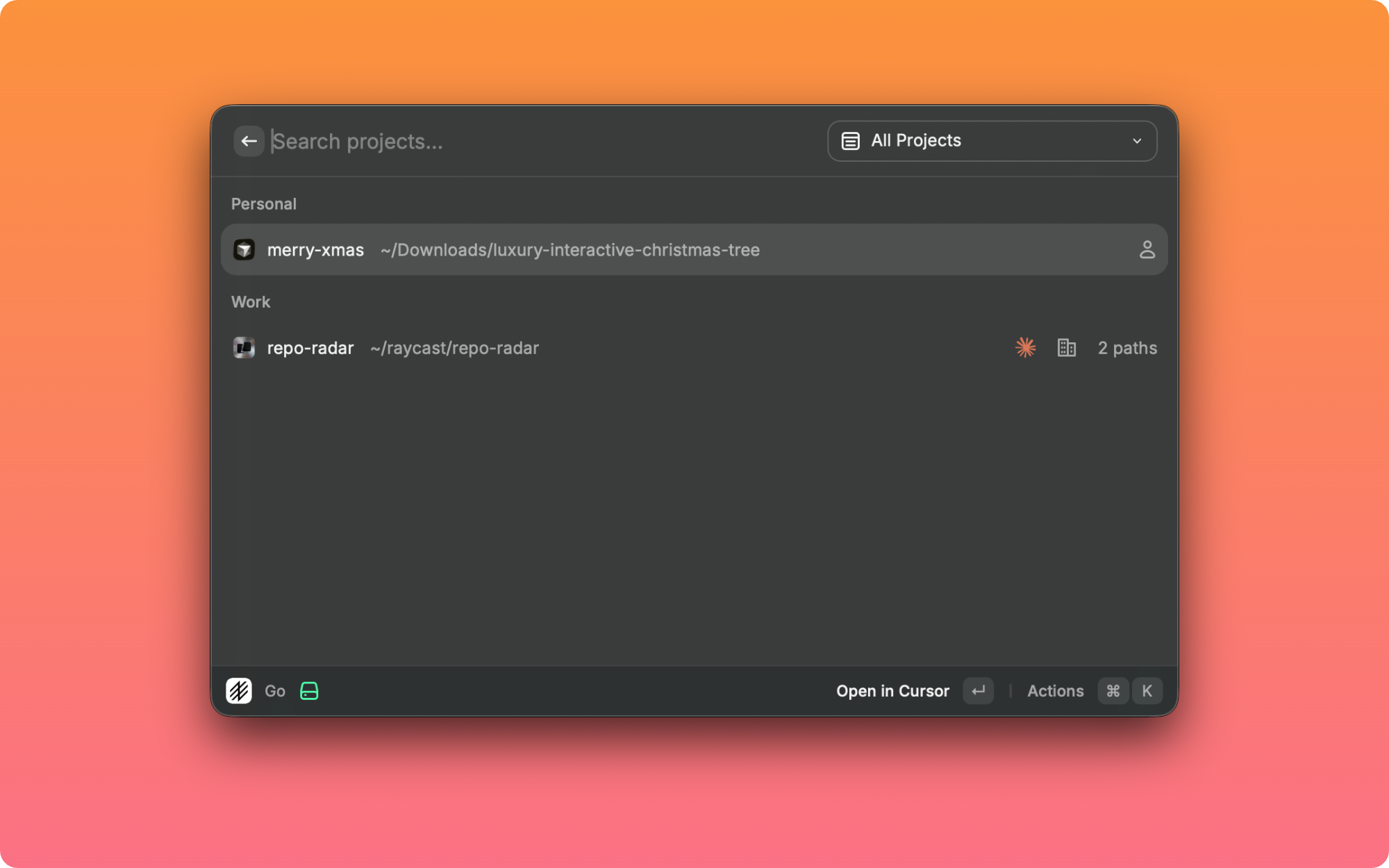
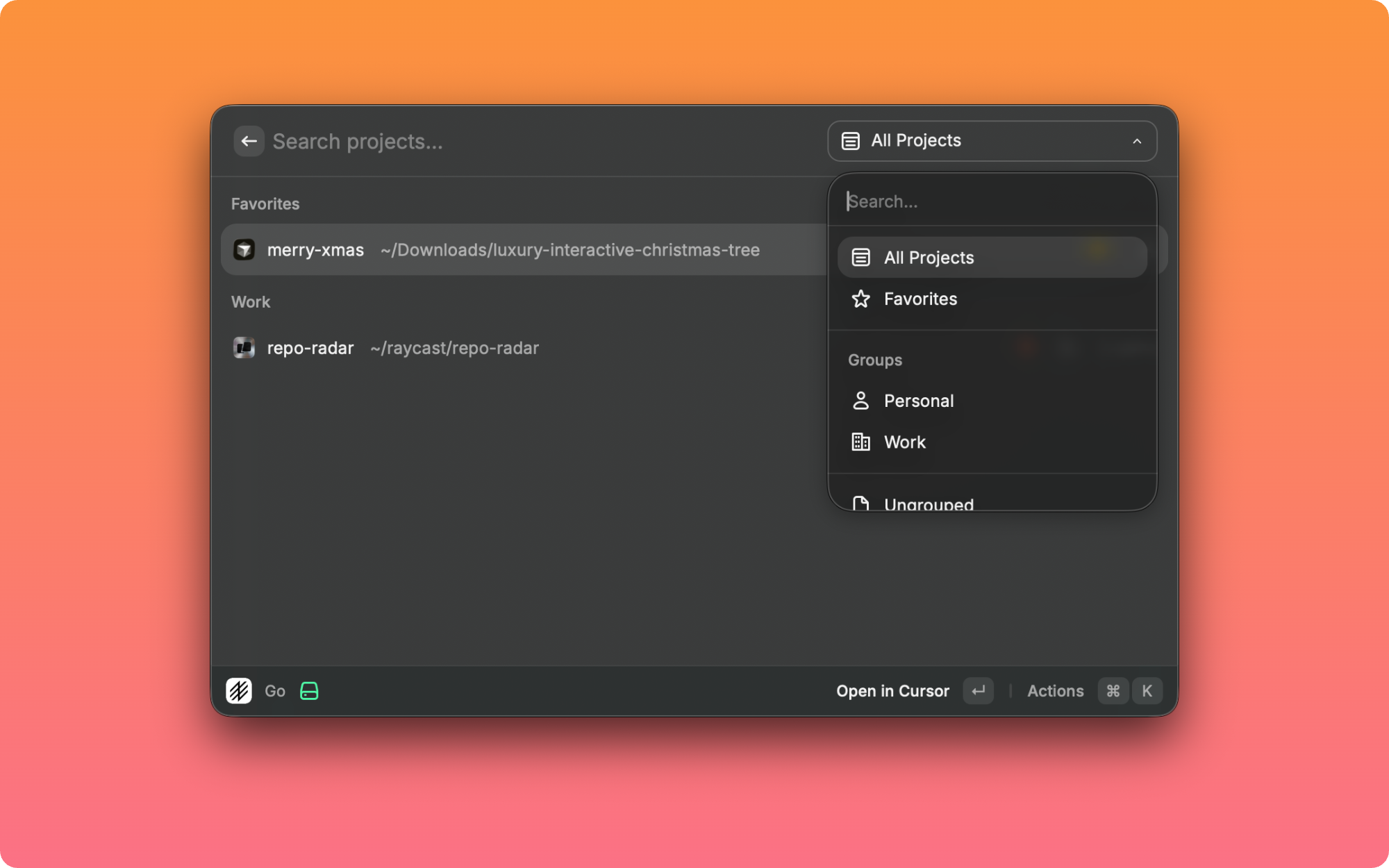
| Smart Sorting | Frecency-based — your most-used projects rise to top |
| Multi-folder Workspace | Open multiple folders in VS Code/Cursor/Windsurf |
| Quicklinks | Access projects from Raycast root search |
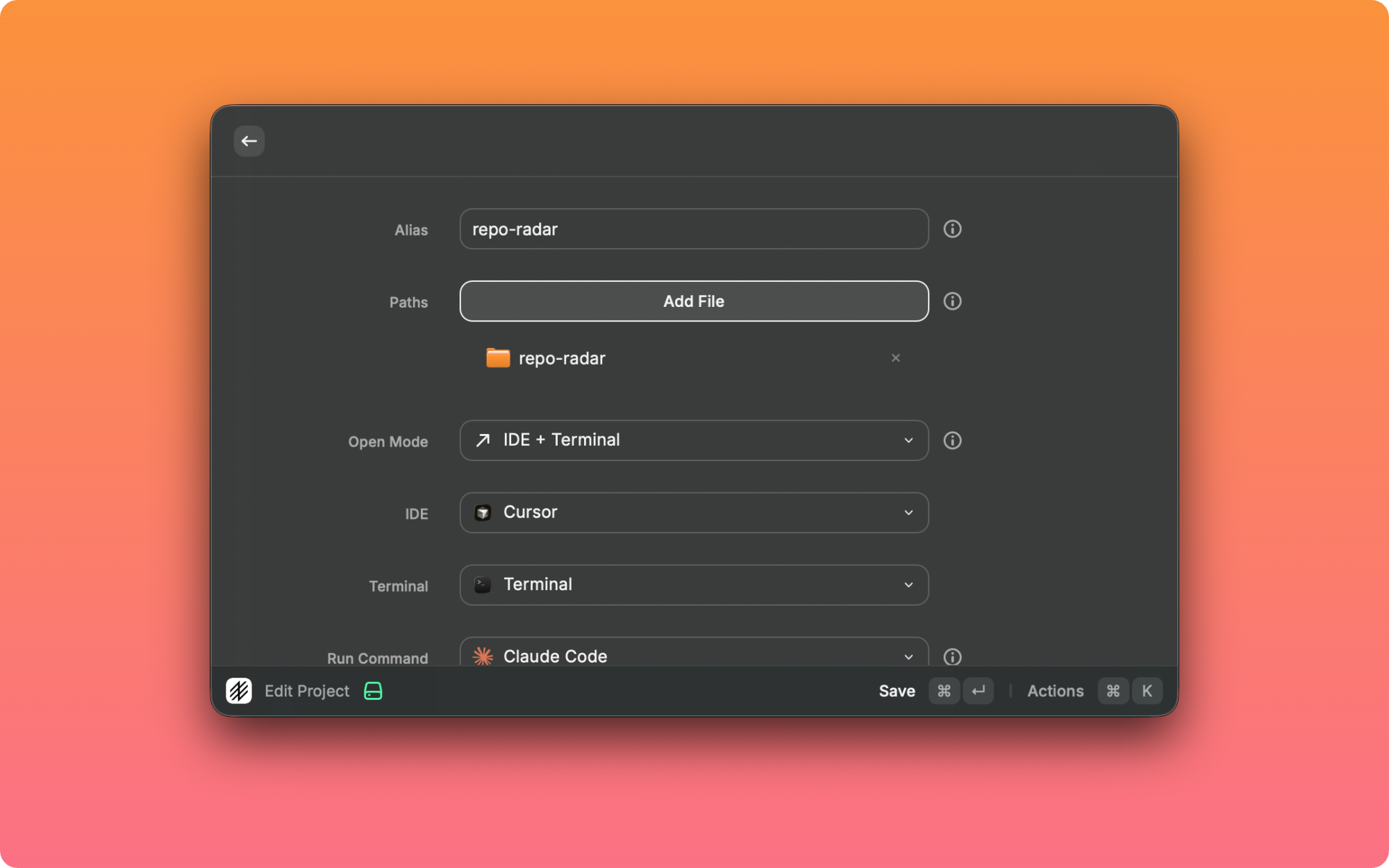
1. Add Project   →   set alias, folders, IDE, terminal
2. Type alias    →   fuzzy search finds it instantly
3. Press Enter   →   IDE + Terminal + AI opens together
IDE         Cursor · Windsurf · Trae · VS Code · WebStorm · IntelliJ · Xcode · Zed
Terminal    Warp · iTerm · Ghostty · Kitty · Alacritty · Terminal.app
Commands    Claude Code · Codex · Gemini CLI · or any custom command
open source · contributions welcome