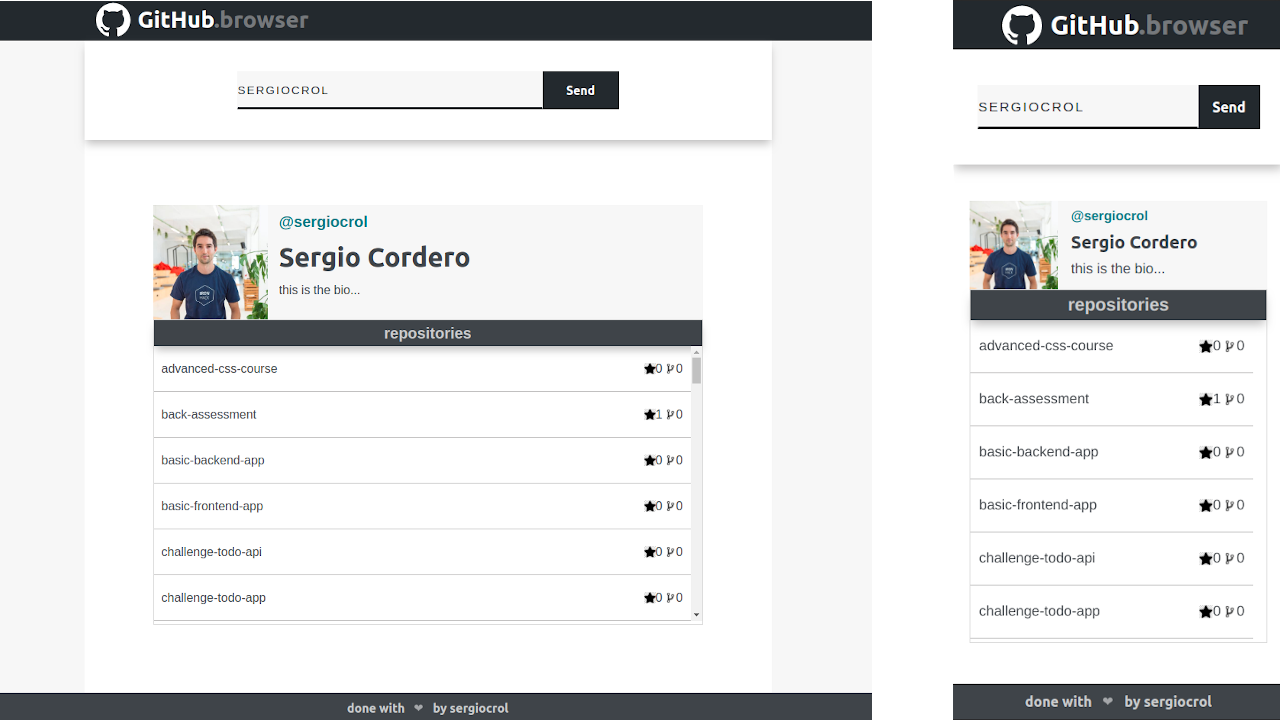
You can visit here the deployed app here
This app uses GitHub API to allow the user to search any user of the platform, as well as all its public repositories.
Clone this repository to your local machine
git clone git@github.com:sergiocrol/github-browser.gitInstall the dependencies
npm install
Start the application, (it uses http-server as dependency. Runs on port 8081)
npm start
Open the browser with "http://localhost:8081"
- Search user: As a user I can search for a GitHub's user.
- User info: As a user I can see a GitHub user basic info, such as its username, name, profile image or bio.
- User Repositories: As a user I can see a list of user's public repositories, with its name, and number of stars/forks.
- Not found user: As a user I can see an appropriate message when the user does not exist.
- No repositories: As a user I can see an appropriate message when the user does not have any repository.
- node-sass: Compile scss to css