


Your year in code, visualized in the terminal.
pip install git-wrapped
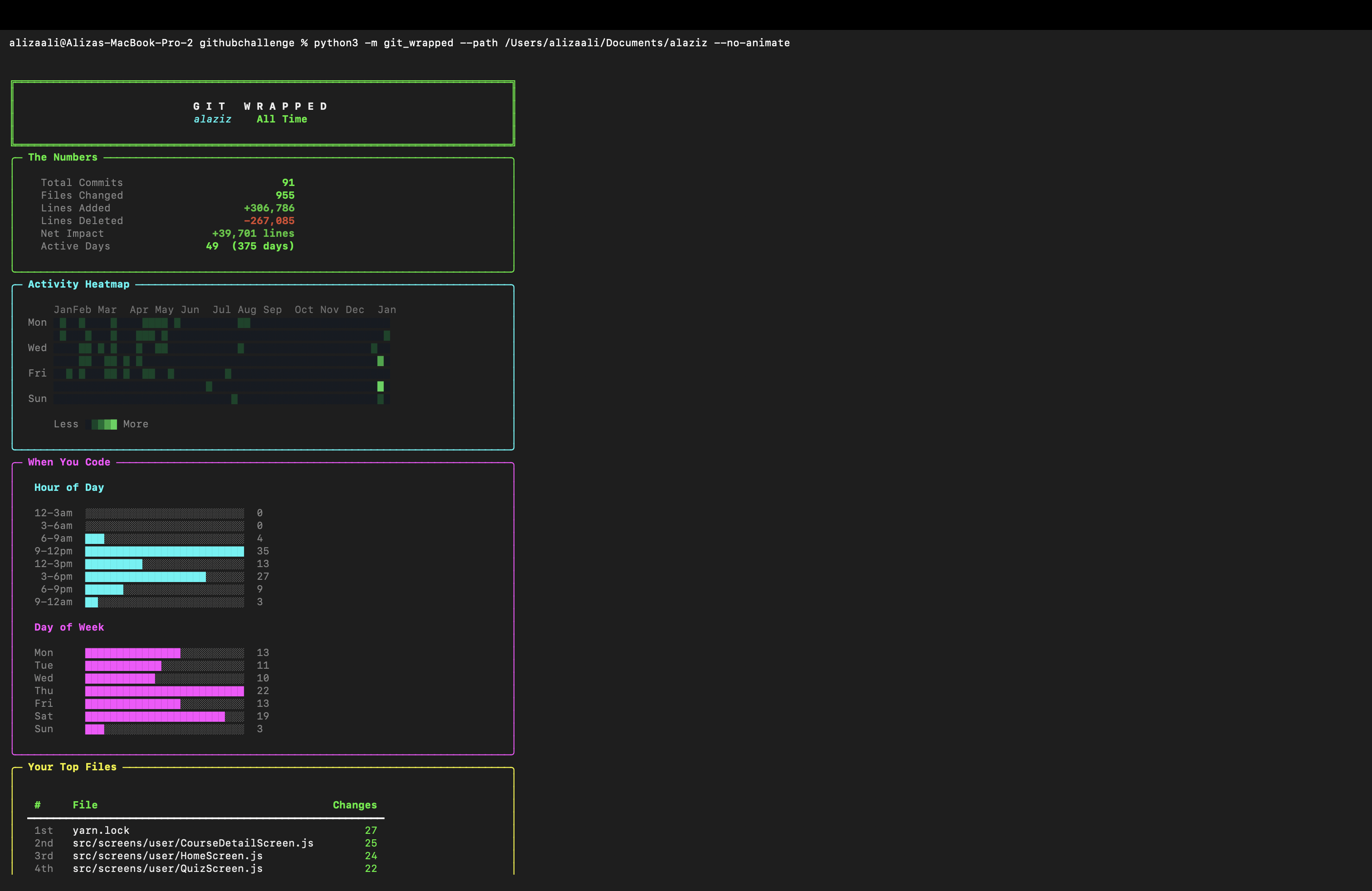
git-wrapped analyzes your repository's commit history and generates a beautiful, colorful terminal report — complete with activity heatmaps, coding personality insights, streak tracking, and fun facts about your development habits.
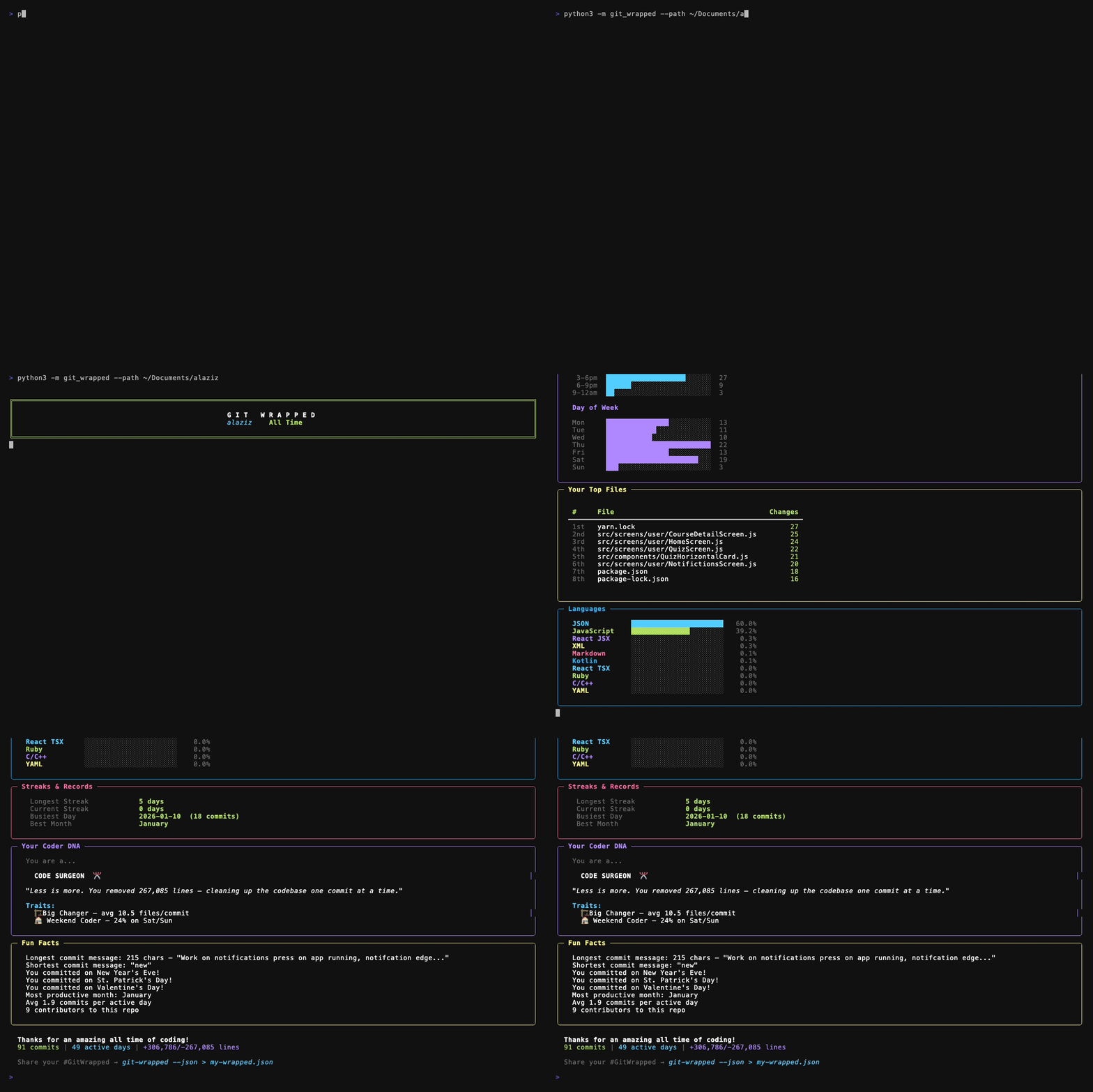
See full output screenshots
| Feature | Description |
|---|---|
| The Numbers | Total commits, files changed, lines added/deleted, net impact |
| Activity Heatmap | GitHub-style contribution calendar rendered in your terminal |
| When You Code | Hour-of-day and day-of-week activity bar charts |
| Top Files | Most frequently modified files leaderboard |
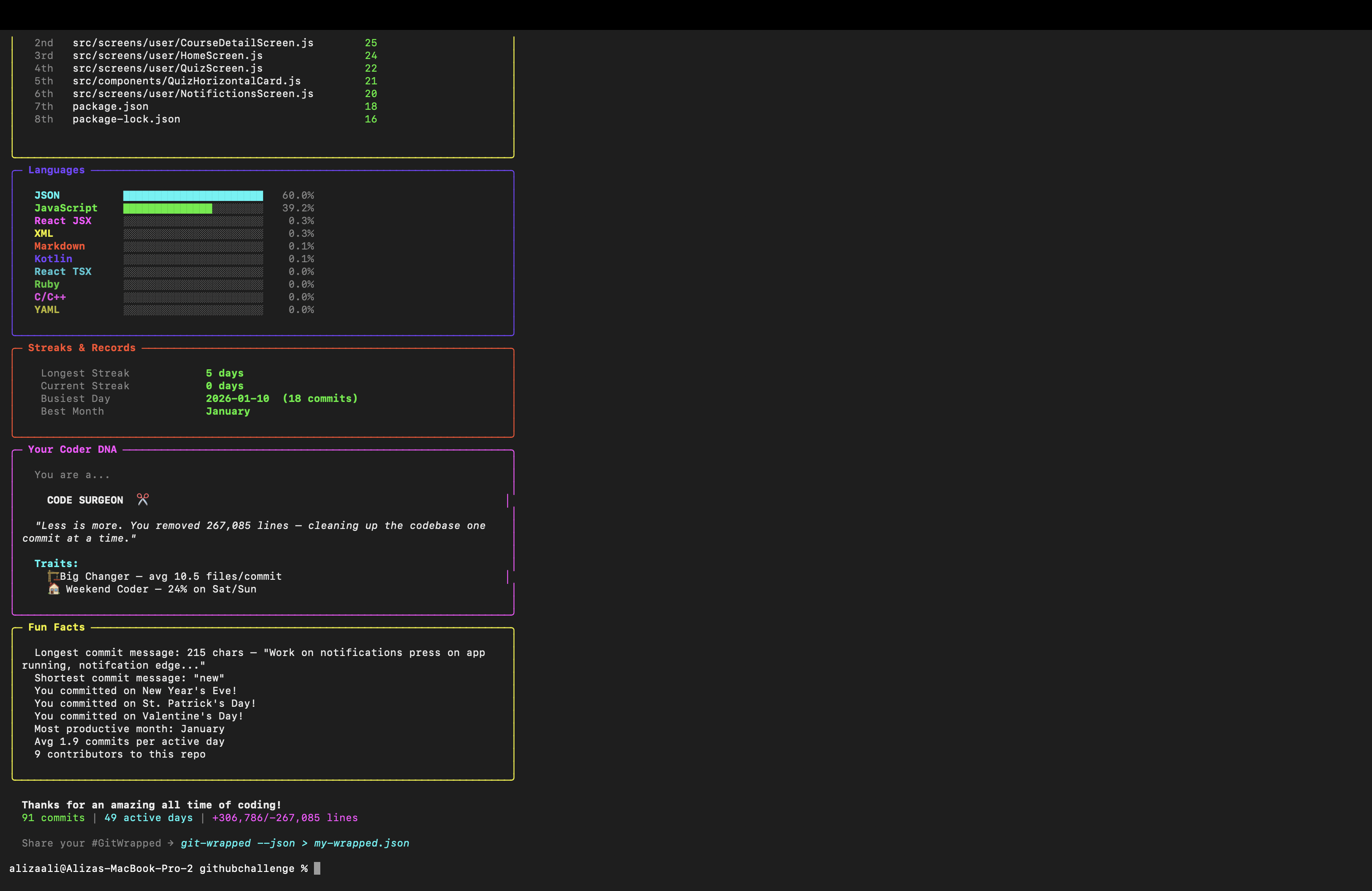
| Languages | Programming language breakdown with visual bars |
| Streaks & Records | Longest streak, current streak, busiest day |
| Coder DNA | Fun personality assessment based on your coding patterns |
| Fun Facts | Holiday commits, longest/shortest commit messages, productivity stats |
| Compare Mode | Year-over-year comparison with --compare 2024 2025 |
| Share Card | Copy-pasteable text card with --share |
| JSON Export | Export raw stats for sharing or further analysis |
pip install git-wrappedOr install from source:
git clone https://github.com/stackmasteraliza/git-wrapped.git
cd git-wrapped
pip install -e .# Analyze the current repo (all time)
git-wrapped
# Analyze a specific year
git-wrapped --year 2025
# Analyze a specific repo
git-wrapped --path ~/projects/my-cool-project
# Filter by author
git-wrapped --author "Jane Doe"
# Compare two years side by side
git-wrapped --compare 2024 2025
# Generate a shareable text card
git-wrapped --share
# Export as JSON
git-wrapped --json > my-wrapped.json
# Combine options
git-wrapped --path ~/work/api --year 2025 --author "me@email.com" --no-animateYou can also run it as a Python module:
python -m git_wrapped --year 2025| Flag | Description |
|---|---|
--path, -p |
Path to the git repository (default: .) |
--year, -y |
Year to analyze (default: all time) |
--author, -a |
Filter by author name or email |
--compare |
Compare two years side by side (e.g. --compare 2024 2025) |
--share |
Generate a copy-pasteable share card |
--no-animate |
Skip loading animation and section pauses |
--json |
Output raw statistics as JSON |
--version, -v |
Show version number |
Based on your commit patterns, git-wrapped assigns you one of these personalities:
| Personality | Trigger |
|---|---|
| Night Owl | 30%+ of commits after 10 PM |
| Early Bird | 45%+ of commits before noon |
| Weekend Warrior | 30%+ of commits on Sat/Sun |
| Streak Master | 14+ day commit streak |
| Feature Machine | 3x more additions than deletions |
| Code Surgeon | Deletions approach additions |
| Balanced Builder | Even mix of all patterns |
git log  -->  parse commits  -->  compute stats  -->  render with Rich
               |                    |                    |
               commits, files       streaks, patterns    panels, heatmaps,
               dates, diffs         personality, facts   tables, charts
- Parses
git logoutput with--numstatfor file-level statistics - Computes time patterns, streaks, language breakdown, and more
- Determines your "coder personality" based on commit patterns
- Renders everything with Rich panels, tables, and styled text
- Python 3.8+
- Git installed and in PATH
- Terminal with color support (most modern terminals)
- One dependency:
rich
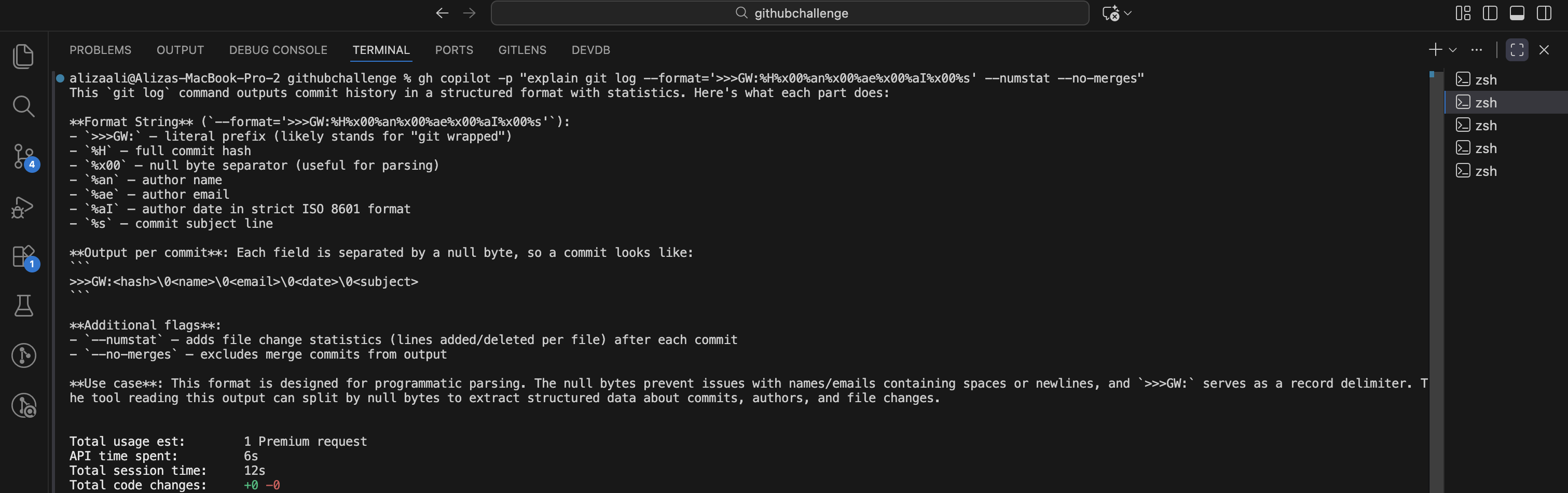
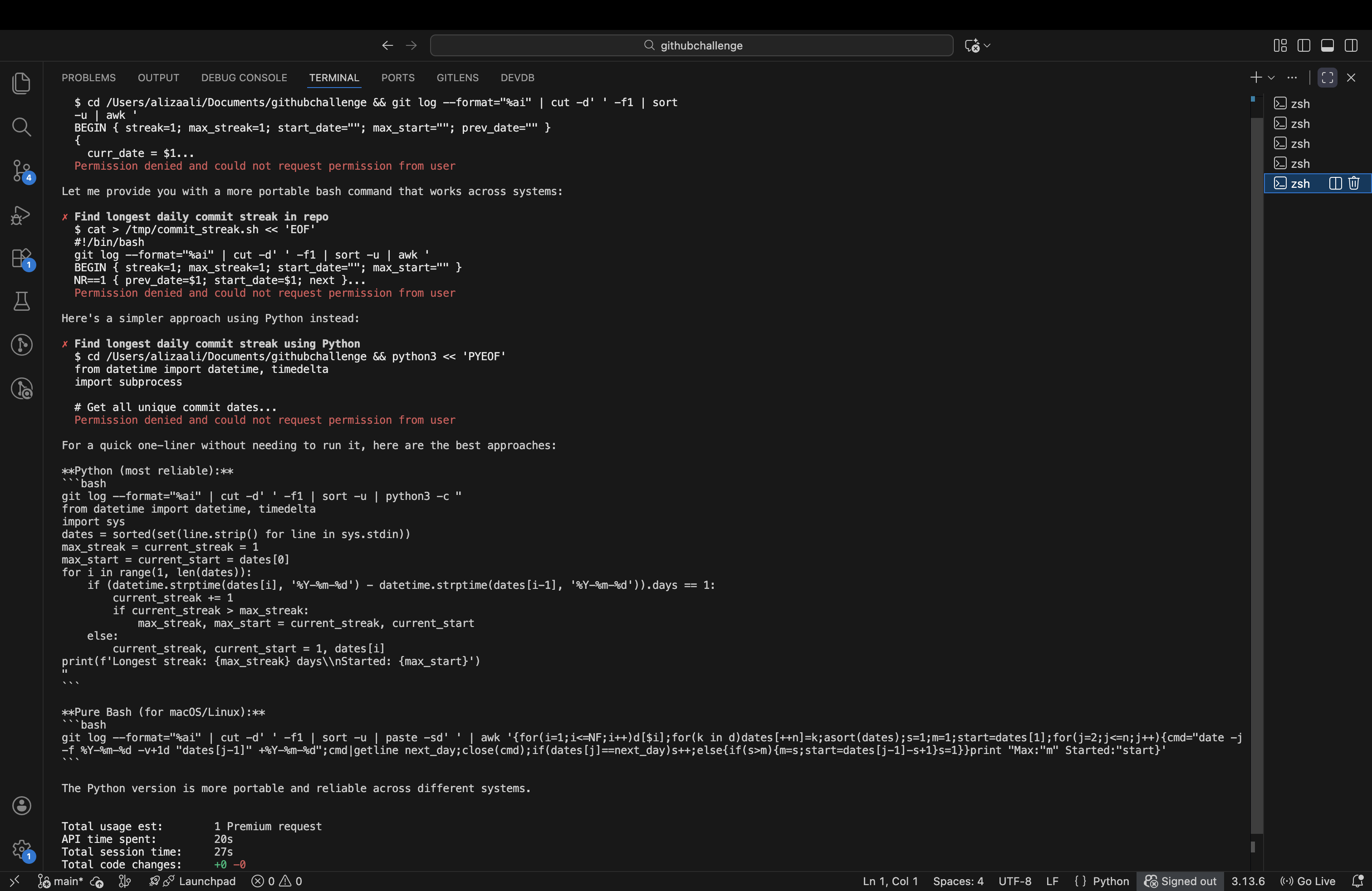
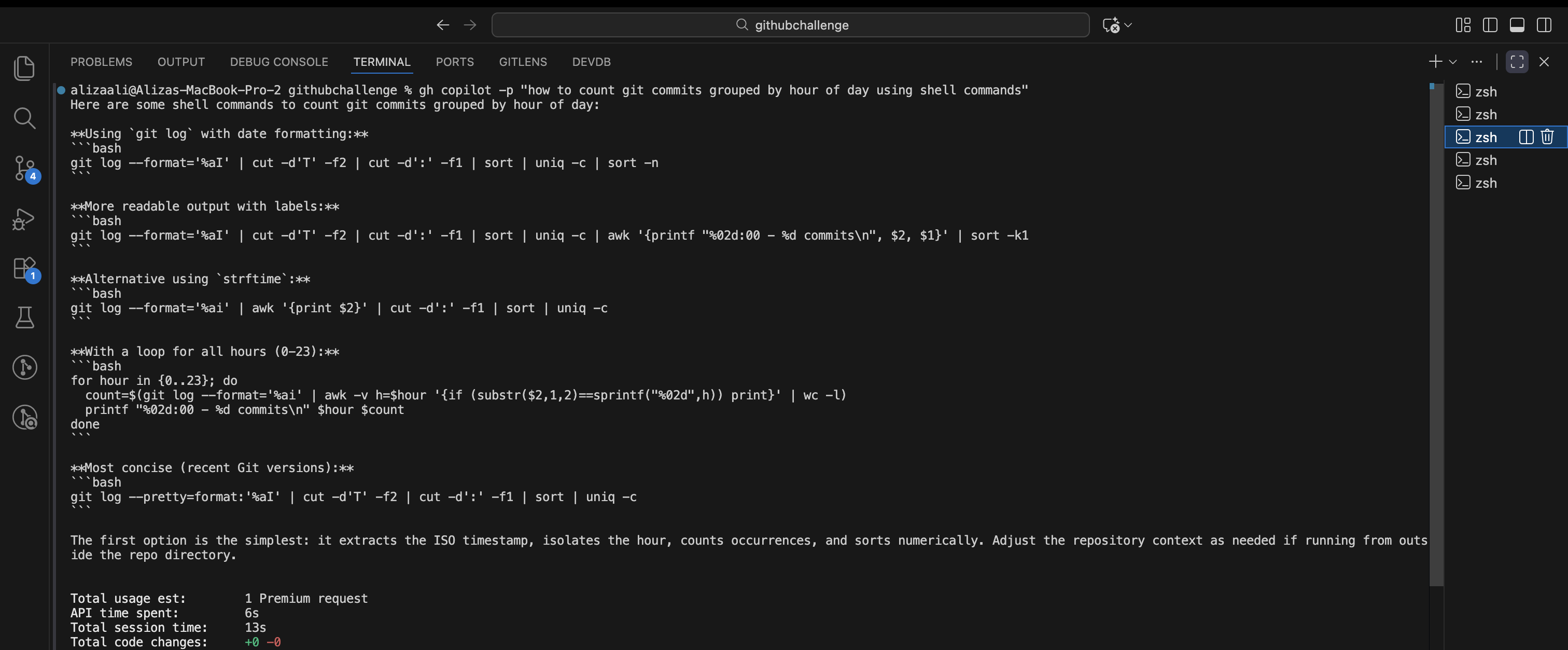
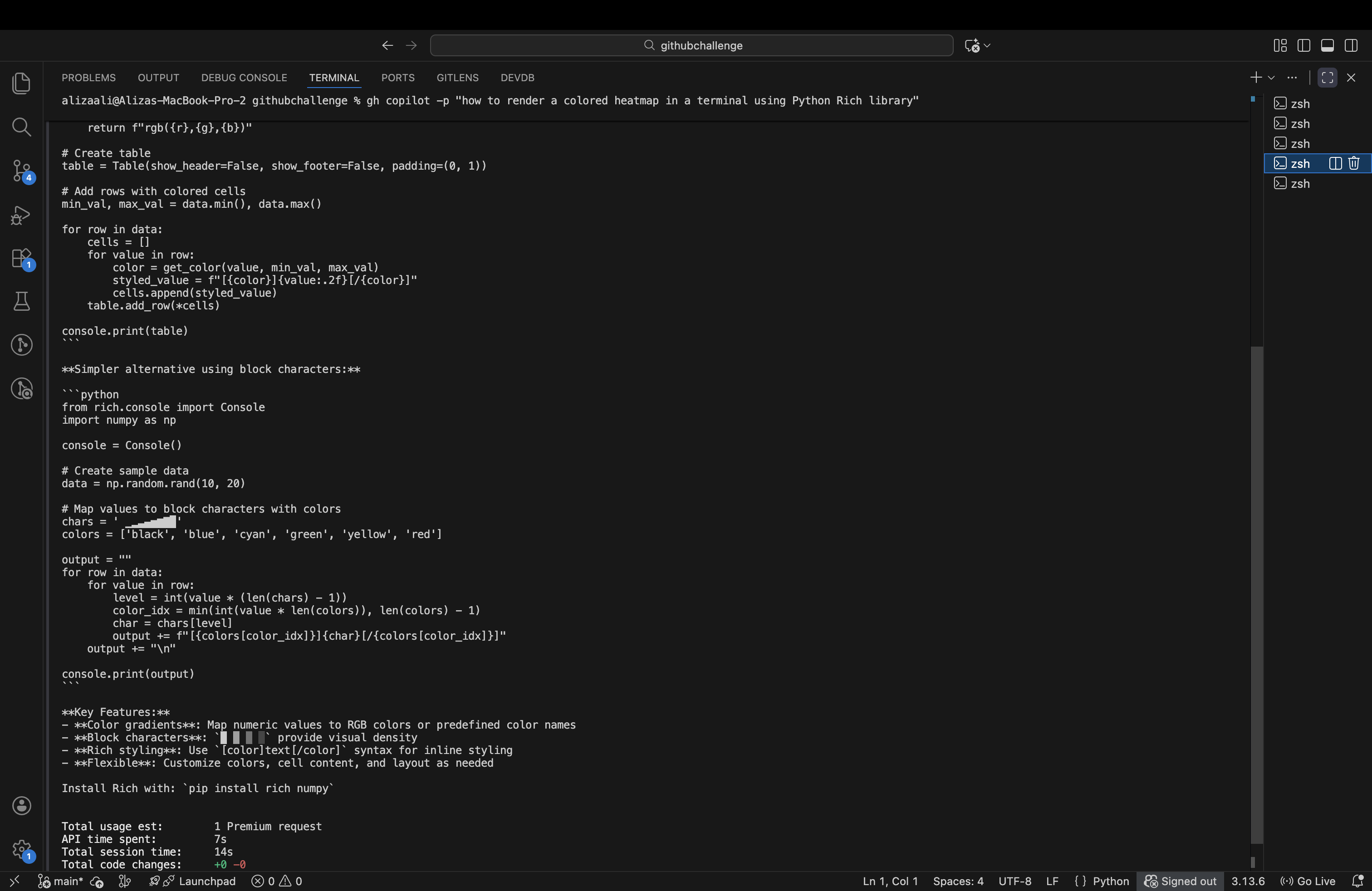
This project was built using GitHub Copilot CLI as part of the GitHub Copilot CLI Challenge on DEV. Copilot CLI assisted with:
- Scaffolding the project structure
- Writing the git log parser and statistics engine
- Designing the Rich-based terminal visualizations
- Debugging edge cases in date/streak calculations
See Copilot CLI in action
MIT License — see LICENSE for details.
If you like this project, give it a star!