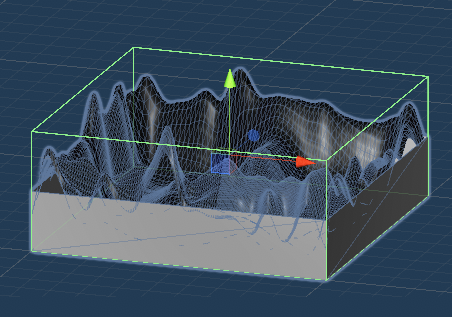
17 Boundaries
In this step we'll force the player to stay in the playfield.
Make an invisible wall for the top.
-
In the Assets/Terrain folder open the Land prefab.
-
Create a new Empty object and call it Ceiling
-
Position this exactly in the center of your terrain at 200m high. For me, this means the Transform - Position is X=500, Y=200, Z=500
-
Scale the ceiling so X and Z are both 1000
-
Add a Box Collider component
We originally said we'd limit the player to 200m altitude. While playing the game and watching the position, I'm finding this very restrictive. I'd like to double this to 400m. I could just make my border mountains taller to prevent flying over them, but I think I'll try adding invisible barriers on the sides the same as our ceiling.

-
Edit the Ceiling object created above and move it up to 400
-
Open the Boundary Wall prefab and in its box collider change the Center - Y to 0.5 and the Size - Y to 2. By doing this we're setting the collider to two times as tall as the mesh. It should look like this
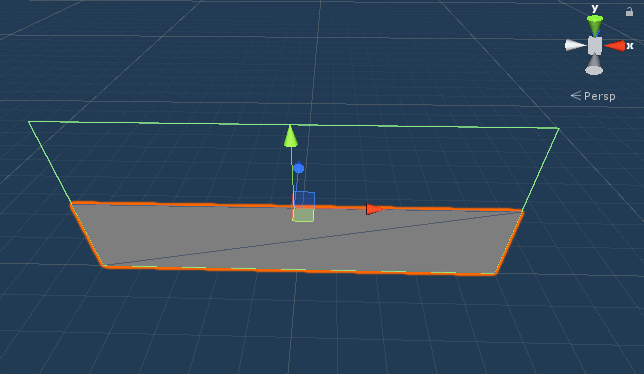
Because the walls are a prefab, this will be applied to all 4 walls in our scene. If you look at your Land prefab, the ceiling collider and the wall colliders should hopefully meet up